
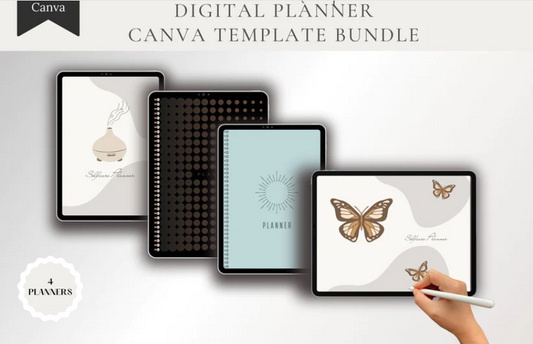
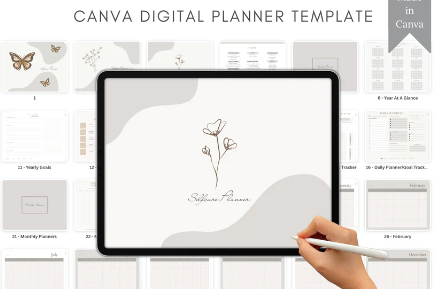
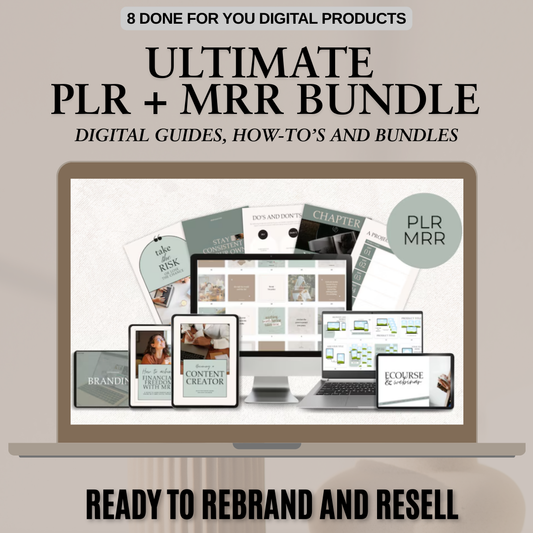
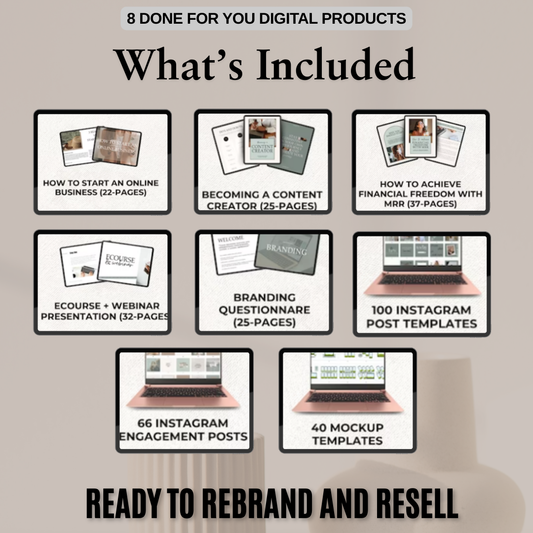

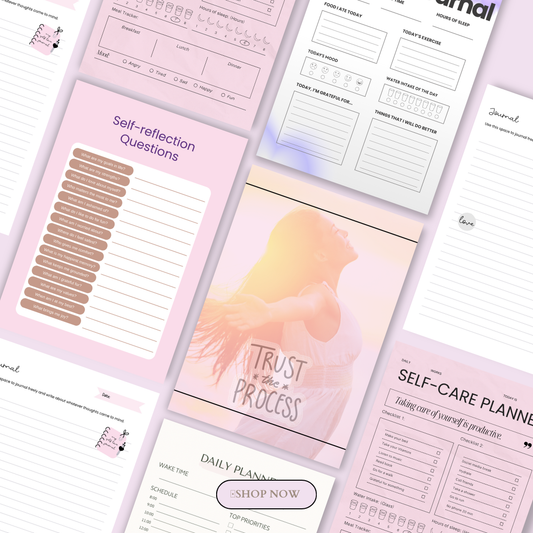

The GoodNotes planners that sell are niche-specific, fully hyperlinked PDF planners that have been tested on a real tablet and come with a clear license. Buyers pay for fast, tappable navigation, pages built for their exact needs, and certainty about what they can do with the file. If you sell planners with resell rights, the license decides whether you can edit, rebrand or resell them.
Demand never really stops. Every January, back-to-school season and new financial year, iPad owners go looking for an iPad planner (or a digital diary, as many UK and Australian buyers call it) that they can tap through instead of scrolling through hundreds of pages. Fresh-start bundles like our New Year New Me Collection show just how strongly that planning mood sells.
In this guide, you'll learn what a GoodNotes planner is, what makes one sell, how PLR, MRR and resell rights work, the Etsy catch most sellers miss, and how to build and price your own. New to this space? Start with our beginner's guide to what a digital product is.
What Is a GoodNotes Planner?
A GoodNotes planner is a digital planner, usually a PDF, that you import into the GoodNotes app and write on with an Apple Pencil or other stylus. It looks and feels like a paper planner, but it lives on your iPad, tablet or laptop.
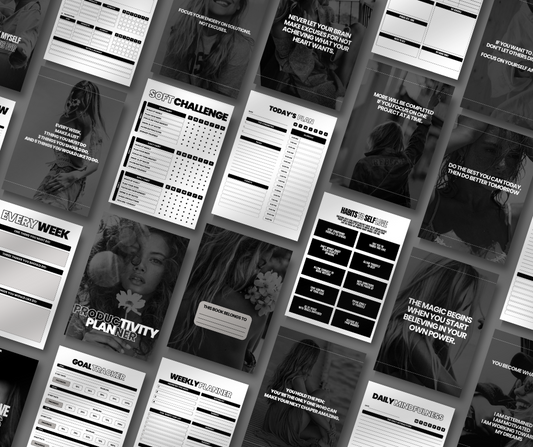
What makes it valuable is hyperlinking. In a hyperlinked PDF planner, a date on the monthly calendar jumps to that day's page, a side tab opens a section, and an index button takes you straight back home. GoodNotes confirms that links in an imported PDF can open another page in the same document or an external website, so a well-built planner works more like an app than a stack of pages.
Want to see the different layouts and styles side by side? Our guide to digital planners covers the main types.
3 Formats You Can Sell
|
Format |
Best for |
Watch out for |
|
Hyperlinked PDF |
The widest audience: works in GoodNotes, Notability, Noteshelf and most PDF annotation apps |
Test the links in every app you list as compatible |
|
.goodnotes file |
GoodNotes users who want a ready-to-use notebook with GoodNotes-only features |
Only opens in GoodNotes |
|
Editable source file (Canva, PowerPoint, Keynote or Affinity) |
PLR buyers who want to rebrand and customise |
Only share it if your license allows it |
Most sellers deliver the hyperlinked PDF as the main file and add the other formats as bonuses. If you're still working out how files reach your customers, see how digital downloads work before you set up delivery.
What Makes a GoodNotes Planner Sell?
Buyers don't pay for pretty pages alone. They pay for a tested navigation system that lets them move between months, weeks, days, goals and notes in one or two taps, without scrolling through hundreds of pages. A beautiful planner with broken tabs earns refunds. A simple planner that works perfectly earns five-star reviews.
Must-Have Pages and Features
-
A cover and a hyperlinked table of contents
-
A year-at-a-glance calendar linked to every month
-
Monthly, weekly and daily layouts
-
Side tabs or a navigation bar on every page
-
"Back to home" and "back to month" links
-
Niche pages, such as budgeting, habit tracking, content planning, ADHD support, academic planning or wellness
-
Clear import instructions and a list of compatible apps
For examples of planners that get these details right, see our roundup of the best digital planners for iPad and GoodNotes users.
Features That Drive Sales
|
Feature |
Why it helps sales |
|
Working hyperlinks |
Removes friction and makes the planner feel premium |
|
Clear niche |
Makes the listing easier to find in search and more relevant to one type of buyer |
|
Tested file |
Prevents broken tabs, refund requests and poor reviews |
|
PDF and .goodnotes options |
Widens compatibility and adds extra value for GoodNotes users |
|
Clear license |
Stops disputes about whether buyers can use, edit or resell the planner |
If you'd rather start with planners that are already built and licensed for resale, browse our Plan & Prosper collection.
Resell Rights Explained: PLR vs MRR vs RR for Digital Planners
"Resell rights" in a product title doesn't automatically mean you can rebrand a planner, claim it as your own or let your customers resell it. The license document controls those rights, not the product name. Read it before you buy, and keep a copy for your records.
|
License |
Usually allows |
Usually doesn't allow |
|
Personal use |
Using the planner yourself |
Selling, sharing or redistributing it |
|
Commercial use |
Using it in business projects, within the terms |
Reselling the planner file itself |
|
Resell Rights (RR) |
Selling the finished file as it is |
Editing, rebranding or passing resale rights on |
|
Private Label Rights (PLR) |
Editing, rebranding and selling the planner under your own brand |
Passing PLR or MRR rights on to your customers |
|
Master Resell Rights (MRR) |
Reselling the planner and, in some cases, giving buyers limited resale rights |
Editing it, or creating unlimited chains of resale rights |
Every creator writes their own terms, so treat this table as a guide, not a guarantee. Our plain-English PLR guide to daily planner templates walks through each license type in more detail.

The Safe-Buying Rule
Only buy a PLR planner when the license clearly allows all three of these:
-
Editing and rebranding
-
Commercial sale
-
The sales channels you plan to use, such as Etsy, Shopify or GoodNotes Marketplace
Then treat the template as a starting point, not a finished product. Change the design, add niche pages and test every link so the planner you sell is genuinely yours.
When you sell, give your own buyers the same clarity. Include a short license file that says whether they get personal use, commercial use, PLR or MRR rights, and whether editable source files are included. Here's how to add a license to your digital downloads, with wording you can adapt.
The Etsy and GoodNotes Marketplace Catch
A resale license gives you permission to sell a file. It doesn't automatically make that file eligible for every marketplace. Before you list a PLR planner, check the platform's own rules as well as your license.
Etsy's Creativity Standards
Etsy treats digital downloads as items made or designed by the seller. As this breakdown of Etsy's creativity standards explains, a commercial or PLR license doesn't make someone else's template count as your own work. Changing the colour, font or title probably isn't enough. To list on Etsy safely, rework the design, add your own pages and make the planner substantially original. For a feel of how digital products are presented on the platform, browse a shop such as DigitalClipArtNest on Etsy.
GoodNotes Marketplace Rules
GoodNotes Marketplace is non-exclusive, so you can still sell the same planner in your own store. You'll need to apply to become a GoodNotes creator first. Its terms restrict reproducing, redistributing or commercially reusing Marketplace content unless a license explicitly allows it. Creators earn a commission set out in their onboarding contract, paid quarterly by bank transfer.
The takeaway: treat PLR as a starting point, then change it substantially before you sell it anywhere.
How to Create a GoodNotes Planner That Sells (7 Steps)
Whether you design from scratch or start from a PLR template, these seven steps turn a file into a planner people happily pay for.
1. Choose One Buyer and One Problem
Pick a specific buyer, such as ADHD adults, small-business owners, teachers, students, budgeters or content creators. Niche planners include pages that generic planners leave out. A Money Mindset Collection speaks directly to budgeters, while a Quantum Manifestation Planner speaks to goal-setters who love manifestation.
2. Design the Page System First
Map every page type before you decorate: cover, index, yearly overview, monthly spreads, weekly spreads, daily pages, notes and trackers. Want a head start on layouts? See our editable weekly planner PLR layouts, or start from a ready-made bundle like The Planner Collection.
3. Add Links to Shapes, Not Just Text
Link tabs, dates, index entries and return buttons to shapes, so they're easy to tap with a finger or stylus. Copy the same linked navigation across every page type so the planner feels consistent.
4. Export Carefully
Some design tools strip links when they flatten or export a PDF. Check your export settings, and never flatten the final retail file.
5. Test Every Link
Import the exact file you'll sell into GoodNotes on every device and platform you advertise. Check the tabs, dates, external links, page rendering and how a brand-new buyer gets started.
6. Write a Clear License
State whether buyers get personal use, commercial use, PLR or MRR rights, and whether editable source files are included.
7. Package the Download
Include the planner PDF, an optional .goodnotes file, a quick-start guide, the license and a support contact. A small bonus, such as the 30 Days to a Better You ebook, can lift the perceived value. Before you launch, run through PayRequest's checklist for selling GoodNotes planners online.
How to Price and Position Your iPad Planner
Price depends on your audience, the depth of the planner and the strength of your branding. GoodNotes Marketplace planners cited in recent coverage sit around $9.99 to $14.99, while planners sold directly from a creator's own store range from roughly $29.99 to $99.99.
A simple price ladder works well:
-
Core planner: a clean, hyperlinked planner at an accessible price
-
Upsells: niche editions, sticker packs, cover sets and yearly updates
Timing matters as much as price. Planner sales peak in the run-up to January, so plan your launch with our Q4 planner season playbook. Write product listings that convert with the Words That Sell collection, and grow an audience without chasing trends using the Anti-Algorithm Growth Guide. Thinking of adding more products alongside planners? Whop's roundup of the best digital products to sell is full of ideas.
Shop Hyperlinked GoodNotes Planners You Can Resell
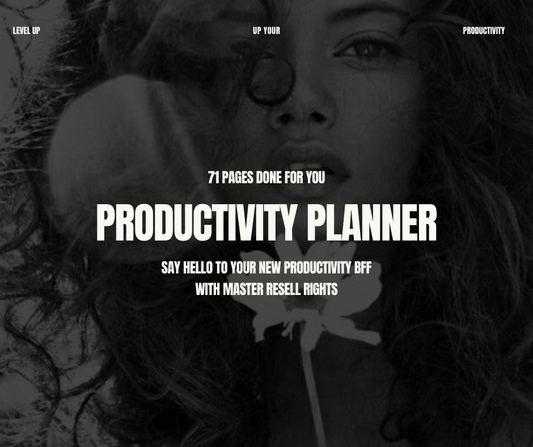
Getting every link, layout and license right takes time. Our planners give you a head start: they're already hyperlinked, tested and clearly licensed, so you can focus on branding and selling. Browse the Plan & Prosper collection or grab The Planner Collection to launch faster.
Want the strategy behind a profitable store too? The Ultimate Branding Course with Master Resell Rights shows you how to build a brand buyers trust, and our masterclasses go deeper into selling digital products.
Shop hyperlinked GoodNotes planners you can resell →
Frequently Asked Questions
How do PLR and MRR work for digital planners?
PLR lets you edit, rebrand and sell a planner under your own brand. MRR lets you resell it and, in some cases, pass limited resale rights on to your buyers. The license file always has the final say.
What platforms are best for selling digital planners?
Your own Shopify store gives you the most control over branding and pricing. Etsy and GoodNotes Marketplace bring built-in buyers but have their own rules, while Payhip, Gumroad and Whop handle digital delivery quickly.
Where can I source legal resell-rights planners?
Buy from sellers who include a written license that covers editing, commercial sale and the platforms you plan to use. Avoid any product with vague or missing license terms.
Can I sell PLR planners on Etsy?
Only if you change them substantially. Etsy expects digital items to be made or designed by you, so a lightly edited PLR planner may not meet its creativity standards.
Do hyperlinked PDF planners work outside GoodNotes?
Yes. Most work in Notability, Noteshelf and other PDF annotation apps that support internal links. Test the file in each app before you list it as compatible.