


Introduction
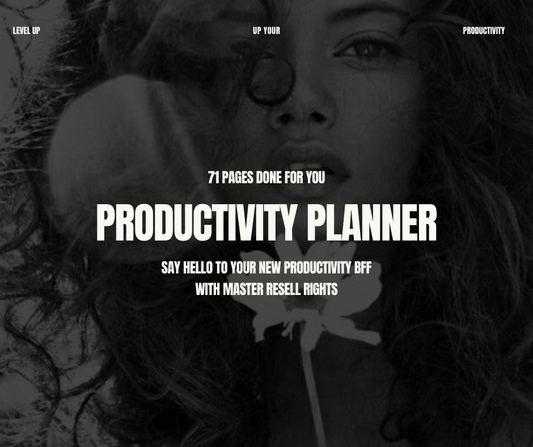
Daily planner PLR templates are pre-made planner files sold with a licence that generally lets you edit, rebrand, and sell the finished product under your own brand. Instead of designing every page from scratch, you start with a ready-made daily planner and shape it around your brand and buyer.
🎥 Prefer watching instead of reading?
Watch the full step-by-step explainer video below.
There’s one important catch: PLR isn’t a standardized legal term. The licence decides what you can do, not the product title.
In this guide, you’ll learn what a PLR daily planner includes, how the main licence types differ, and how to rebrand and sell a planner the right way. If you already know what you’re looking for, you can shop daily planner PLR with full rebrand rights in our Plan & Prosper collection.
What Is a PLR Daily Planner?
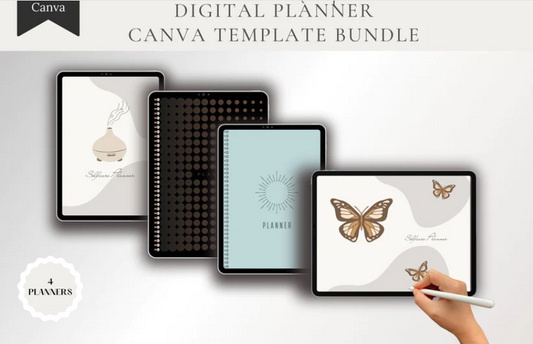
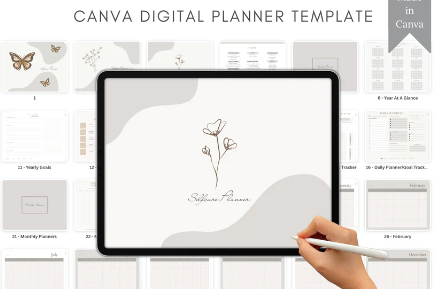
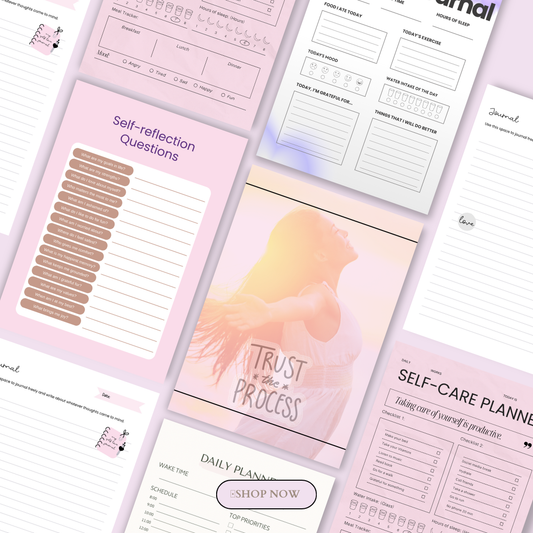
A PLR daily planner is a done-for-you planner that you can customize, add your brand to, and sell as your own, within the terms of its licence. It’s one of many digital products you can sell without building the first version yourself.
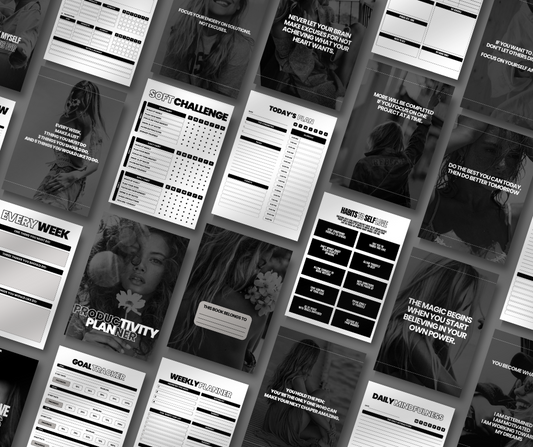
A package may include:
-
Daily, weekly, and monthly layouts
-
Hourly planner pages, if included
-
Goal-setting pages and habit trackers
-
To-do lists and reflection prompts
-
Cover pages
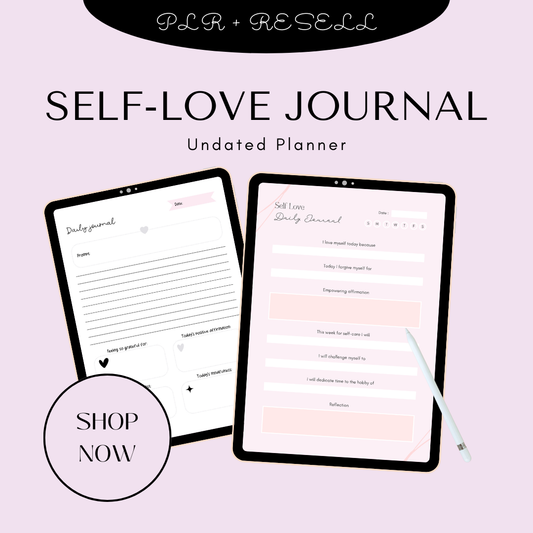
Common formats include Canva templates, daily planner printable PDFs, and hyperlinked planners for GoodNotes and Notability. If you’re comparing planners with other options, see our guide to the most profitable digital products for passive income in 2027. If you also want a dated product for the new year, read our guide to 2027 digital planner PLR.
PLR vs. Other Planner Licences
Not every planner licence gives you the same rights. Here’s how the main types usually compare:
|
Licence |
What you can usually do |
What you usually can’t do |
|
Personal use |
Use the planner yourself |
Resell, rebrand, or distribute it |
|
Limited commercial rights |
Resell the planner, often as-is |
Change the branding or claim it as your own creation |
|
PLR |
Edit, rebrand, customize, and sell the finished planner as your own |
Sell or transfer the underlying PLR or MRR rights, unless the licence allows it |
|
MRR |
Resell the product and potentially grant buyers resale rights |
Assume you have PLR-style editing rights, as terms vary by seller |
The main difference is that PLR is mostly about customizing and rebranding, while Master Resell Rights (MRR) are mostly about resale. To go beyond a single product and build a brand, explore the Ultimate Branding Course with Master Resell Rights or our digital marketing masterclasses.
Always read the seller’s licence before buying or listing a planner. Timing matters too, so use our Q4 planner season playbook to plan your launch before January, and browse our tools and resources for help with design and selling.
What You Can and Can’t Usually Do With PLR Planners
Most PLR planner licences give you plenty of room to make a product your own, but the exact rights vary by seller. Use these lists as a general guide, then check them against your licence.
Usually allowed:
-
Adding your logo, shop name, colours, fonts, and brand styling
-
Editing titles, prompts, instructions, layouts, and supporting text
-
Adding or removing pages, such as habit trackers or goal worksheets
-
Selling the customized planner as a finished PDF or digital download
-
Using it as a lead magnet, bonus, or bundle item, if the licence permits
Usually not allowed unless the licence says so:
-
Reselling the original editable source file
-
Passing PLR or MRR rights to your customers
-
Claiming rights to third-party graphics, fonts, or illustrations
-
Listing a barely changed template as original on Etsy, which requires digital items to be made or designed by the seller
-
Making income, health, productivity, or guaranteed-results claims you can’t back up, as FTC guidance requires advertising claims to be truthful and supported by evidence
Be just as careful with your sales copy. Describe what the planner includes and how it helps, rather than promising a specific result.
How to Choose a Quality PLR Daily Planner Template
The right starting template makes every later step easier. Before you buy a daily planner PLR, use this checklist:
-
A clear, downloadable licence
-
Fully editable source files, ideally Canva, with no locked elements
-
A useful page count and real layout variety
-
Professional design and a coherent structure
-
Clear details on file formats, hyperlinks, app compatibility, and printing
-
Reviews that mention quality, licensing, and support
For more on what makes these products worth buying, read our guides to done-for-you digital products that actually sell and digital planners. When you’re ready to compare options, browse our Plan & Prosper planner collection or start with The Planner Collection.

How to Rebrand a Daily Planner in 7 Steps
A strong rebrand goes well beyond changing the cover colour. Follow these steps to turn a PLR template into a product that feels like your own.
-
Read the licence. Before editing anything, confirm your rights on resale, required edits, allowed platforms, bundling, and editable files. This tells you what you can sell and where.
-
Choose a niche. A generic daily planner is harder to market than one made for a specific buyer. Give yours a clear purpose, such as a daily planner for freelancers or teachers.
-
Rewrite the text. Change the welcome page, section names, instructions, and prompts. Write for your chosen buyer, and don’t leave the original seller’s wording in place.
-
Redesign the look. Replace the cover, fonts, colours, icons, dividers, and imagery with elements that match your brand. Your planner printables should look like they belong to one consistent shop.
-
Add original value. Include a quick-start guide, printable checklist, bonus tracker, or niche-specific prompts. This gives buyers more than a recoloured template and helps set you apart from other sellers using the same PLR.
-
Test the final files. Check every tab and internal link in a hyperlinked planner after editing, since broken navigation is a common customer complaint. For a daily planner printable, check the pages at print size too.
-
Create original listing assets. Use your own product name, description, keywords, previews, and mockups that show the planner in use. Our step-by-step guide to selling digital products online walks you through what comes next.
One Base Planner, Four Different Products
One PLR planner can become several products when you change the prompts, section names, and visual identity. Here are four ways to do it:
-
Freelancer edition: Add client tasks, invoice reminders, deep-work blocks in an hourly planner layout, and a weekly business review. It could suit readers exploring side hustles, and you could pair it with our Money Mindset Collection or The Wealth Mindset Journal.
-
Wellness edition: Track water, movement, sleep, mood, and meals, and add self-care prompts. Our Meal Planner and 30 Days to a Better You could work well as bundle ideas.
-
Student edition: Include a class schedule, assignment deadlines, study blocks, and an exam countdown.
-
Faith or gratitude edition: Add scripture or affirmation prompts, prayer requests, and gratitude lists. For more reflective planning ideas, see the Quantum Manifestation Planner or the New Year New Me Collection.
Canva Licensing: What to Check Before You Sell
Many PLR planners are built in Canva, but Canva’s Content License Agreement is separate from your PLR seller’s licence. You need to follow both.
You can sell designs made in Canva, but you can’t sell its stock content as a standalone item. Any templates you sell must also be original designs.
Pay particular attention to editable templates. If a template contains Canva Pro Content and buyers are meant to edit it, you can only share it as a Canva template link, not sell it as a PDF or other downloadable file. Check these terms before you list, as they can affect how you deliver your planner.
Where to Sell Your Rebranded Daily Planners
Your best sales channel depends on how much control you want and how you plan to reach buyers:
-
Your own website: Best for customer relationships, branding, and building an email list. The Your Start-Up Business Planner Workbook and Branding Planner can help you plan your shop.
-
Etsy: Popular for planner printables, but digital items must be made or designed by you.
-
Shopify, Payhip, or Gumroad: Useful for selling digital downloads and bundles.
-
Pinterest and social media: Useful for driving traffic with previews and mockups. A Social Media Planner can help you organize your promotion.
For more platform and planner-selling advice, see Kajabi’s guide to selling digital planner templates.
Bottom Line
PLR daily planner templates are a fast starting point, not an upload-and-forget product. Successful sellers verify the licence, rewrite the content, redesign the planner for a clear audience, test the files, and market it honestly.
If you’re still weighing up this business model, read what digital products are and how they work and whether you can make passive income with digital products. You can also read this guide to making money online with PLR.
Ready to start? Shop daily planner PLR with full rebrand rights and create your first branded planner.
FAQs
Can I resell a daily planner template as my own?
Yes, if your licence allows it. PLR usually lets you edit, rebrand, and sell a finished planner under your own brand. Relay’s explanation of what PLR is covers the basics, but your seller’s licence sets the actual terms.
What’s the difference between PLR and MRR planners?
PLR is mainly about customizing and rebranding a product, while MRR is mainly about resale rights. Terms vary by seller, so don’t assume an MRR product can also be edited and rebranded.
Can I sell PLR daily planners on Etsy?
You can only list them if the finished product meets Etsy’s rules, which require digital items to be made or designed by the seller. A barely changed template shouldn’t be listed as original, so make significant changes and check your licence first. If you’re planning a seasonal launch, our guide to 2027 digital planner PLR also covers Etsy.
Can I resell the editable Canva template?
Usually not, unless your licence specifically allows it. Reselling editable source files is a common PLR violation, as Entrepedia’s guide to PLR digital planners explains. Canva’s own licence terms may also apply.
What should I change before reselling a PLR planner?
Change the product name, cover, fonts, colours, page titles, prompts, instructions, and listing assets. Then add something original for a specific buyer. For a wellness planner, you could look to the Yoga Planner, Declutter Your Mind, or Stress Less, Glow More for ideas, but create your own wording and pages.
Sources
-
Boundless PLR: PLR Digital Planners: How to Customize and Sell Them
-
Boundless PLR: How to Find High-Quality PLR Digital Products
-
Canva: Use Canva to Design Digital and Physical Products for Sale
🎬 Want a visual walkthrough?
If you’d rather watch than read, here’s the full explainer video covering everything in this guide: