Meal Planner – Plan, Prep & Enjoy Stress-Free Meals! 🍽️
Fuel Your Body with Purpose & Simplify Healthy Eating
Struggling to stay consistent with meal planning? The Meal Planner is your ultimate tool to track meals, monitor portions, and stay organized—so you can eat better, save time, and reach your health goals effortlessly.
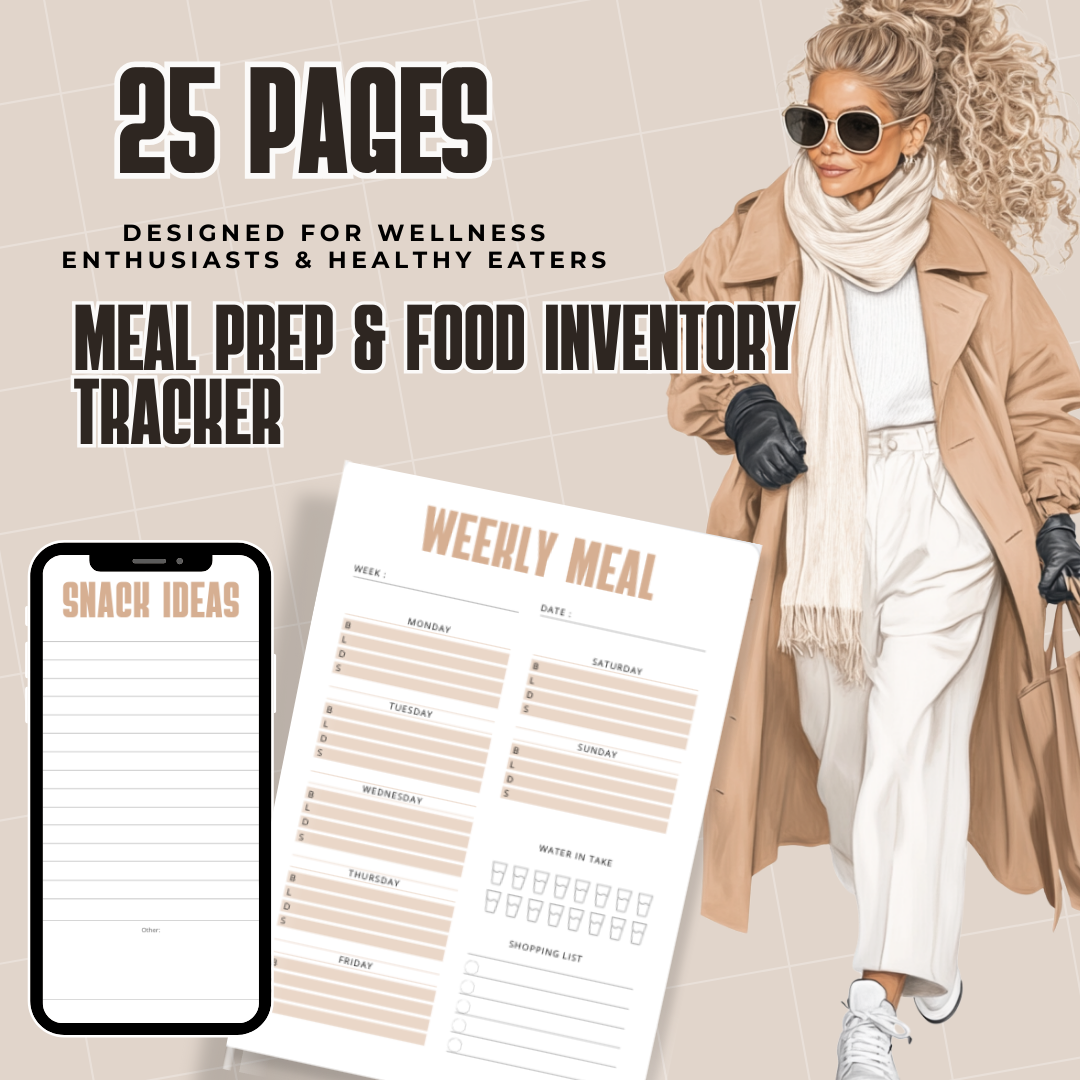
Designed for wellness enthusiasts and anyone looking to build healthier habits, this planner makes meal prep easy and stress-free.
✨ What’s Inside?
✅ Calorie & Portion Tracking – Stay on top of your nutrition and portion sizes.
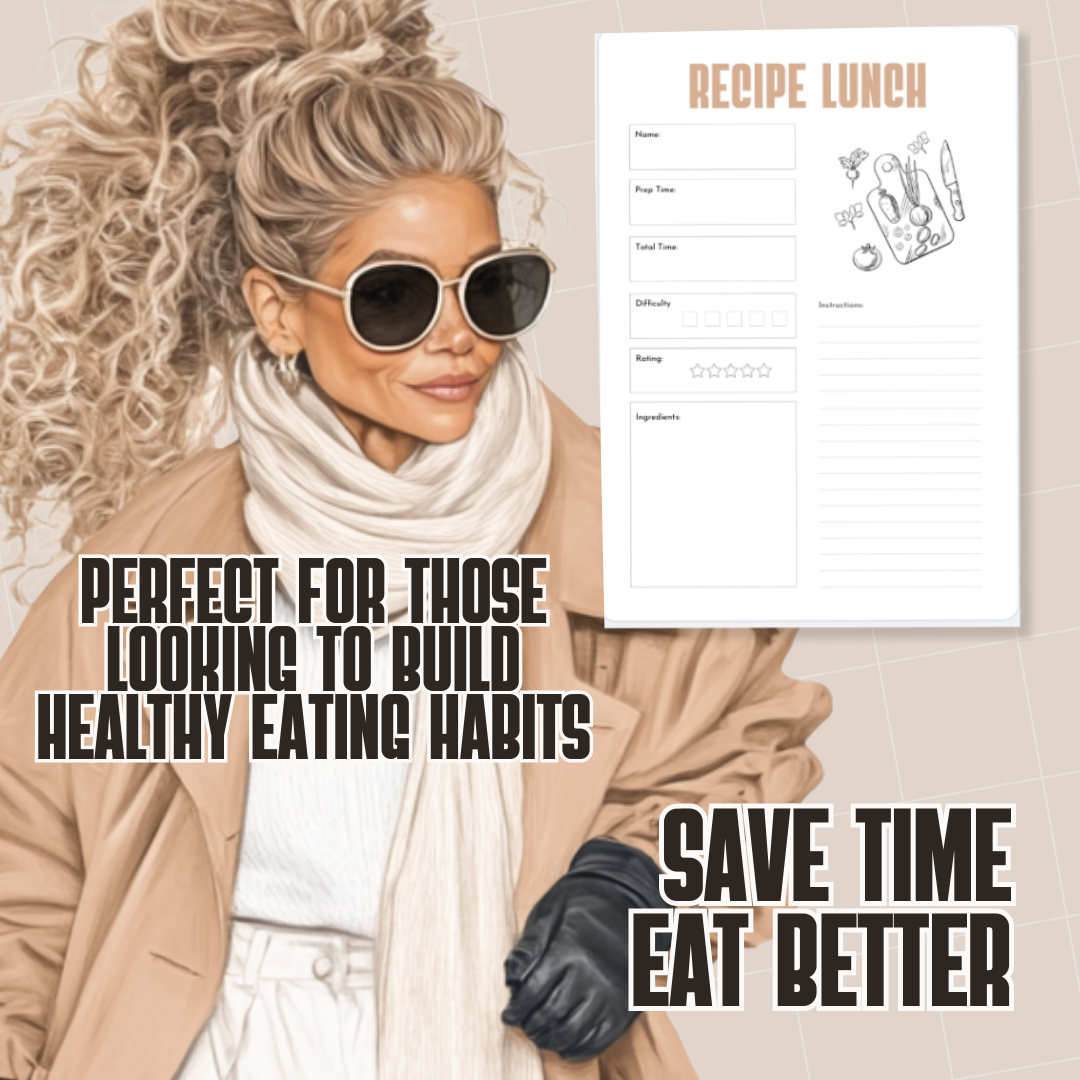
✅ Meal & Recipe Tracker – Organize your favorite meals for quick access.
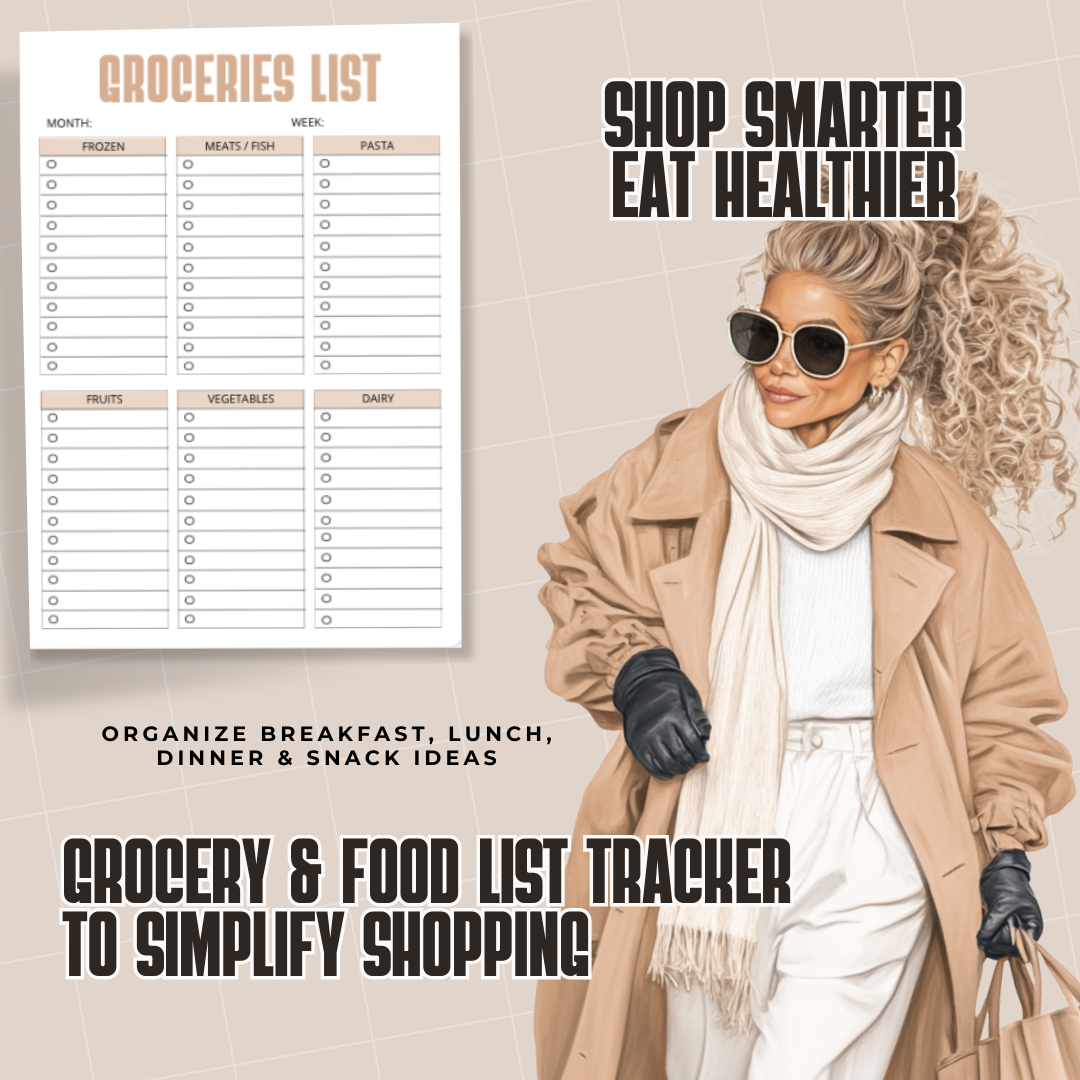
✅ Grocery & Food List Tracker – Simplify shopping and avoid food waste.
✅ Meal Prep & Food Inventory Log – Plan ahead and never run out of essentials.
✅ Mockups for Easy Visualization – See your meal plans come to life before execution.
🎯 Why You Need This Planner
✔ Save Time & Reduce Stress – Plan meals in advance for a smoother week.
✔ Eat Healthier & Stay Consistent – Make mindful food choices effortlessly.
✔ Perfect for Wellness Enthusiasts – Ideal for anyone looking to improve eating habits.
Ready to take control of your nutrition? Get your Meal Planner today and start planning like a pro!
How to Use This Planner
This planner is designed to be flexible, so you can use it digitally or as a printable planner depending on your preference.
Digital Use (Recommended for Tablets):
You can use this planner with any PDF annotation or digital planning app. Simply download the PDF and import it into your preferred app to write directly on the pages.
Popular apps for digital planning include:
These apps allow you to write, type, highlight, and plan directly on the pages using a stylus, Apple Pencil, S Pen, or your finger.
How to Use Digitally
-
Download the planner PDF after purchase.
-
Open your digital planning or note-taking app.
-
Import the PDF planner into the app.
-
Start writing and planning directly on the pages.
Using Canva:
You can also upload the planner to Canva if you prefer to edit the pages visually, customize layouts, or add text elements. However, planners exported from Canva may not be fillable like traditional interactive PDFs.
Printable Option:
If you prefer a physical planner, simply print the pages at home or at a print shop and place them in a binder or folder.
This product is designed to give you the freedom to plan in the way that works best for you.