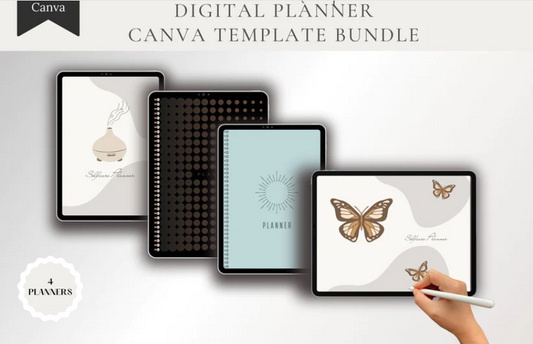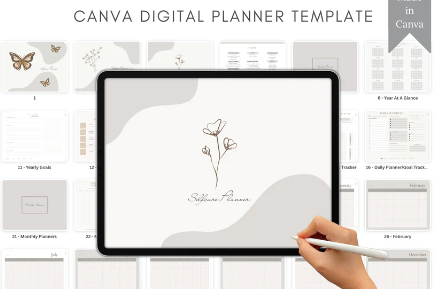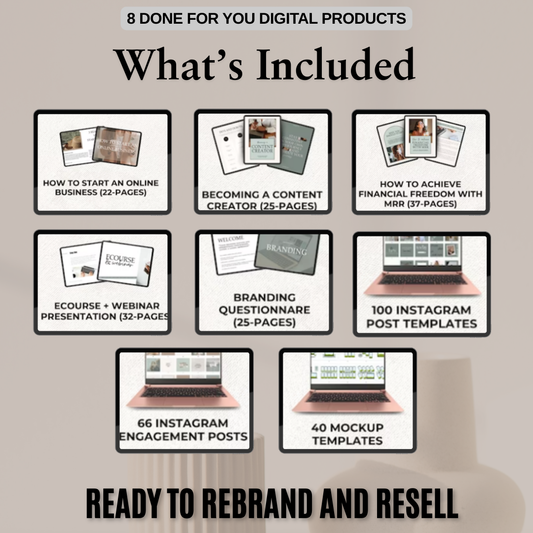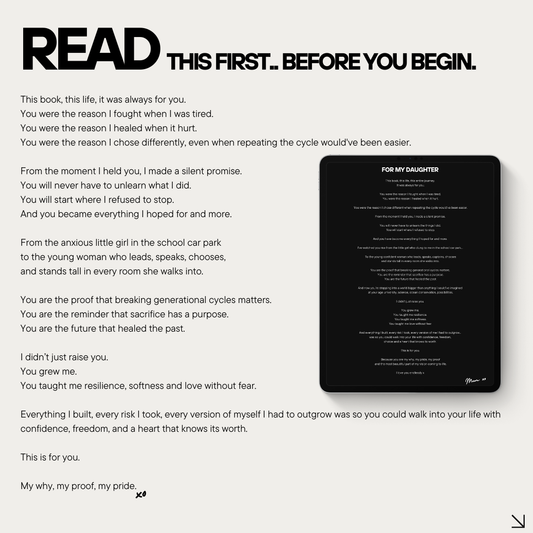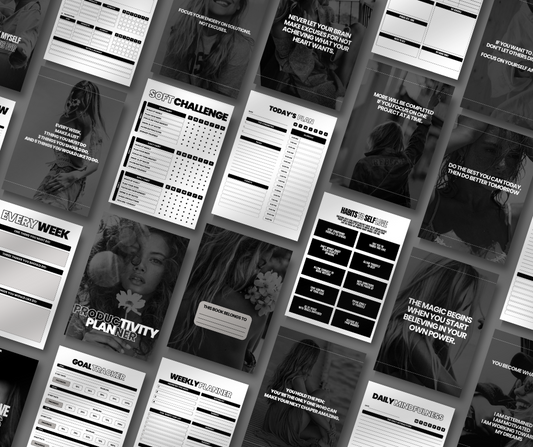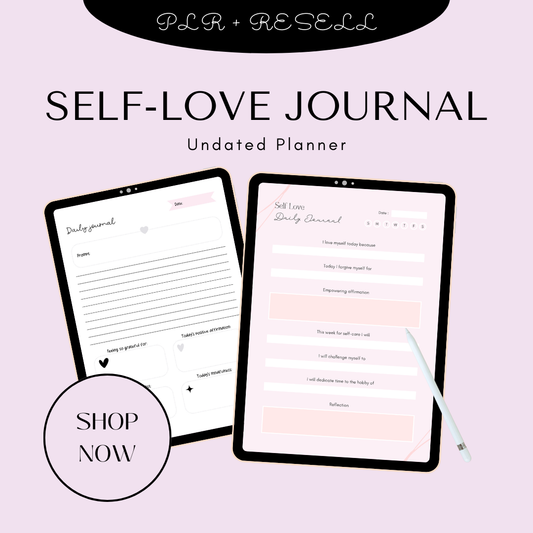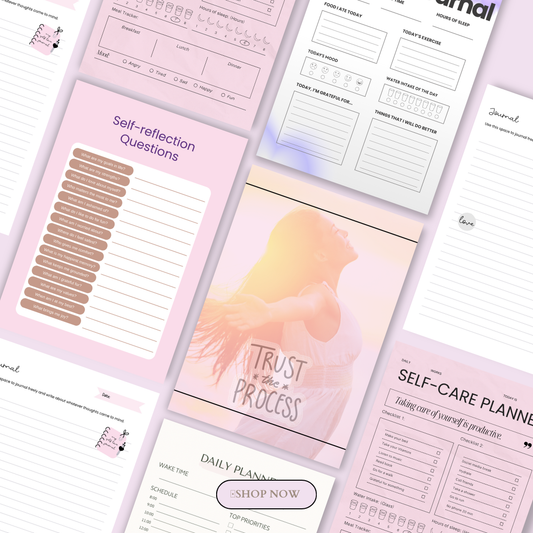


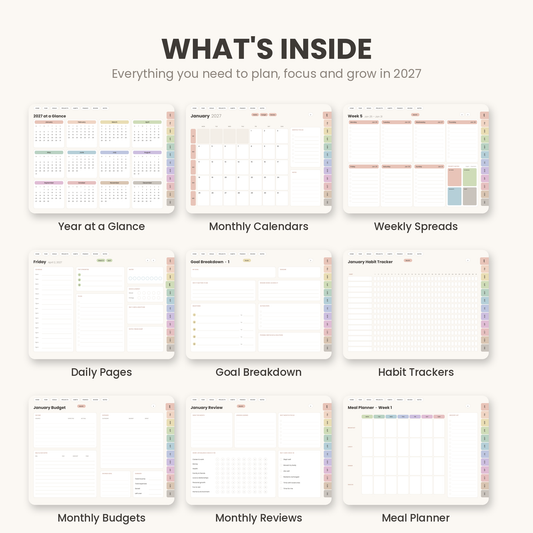

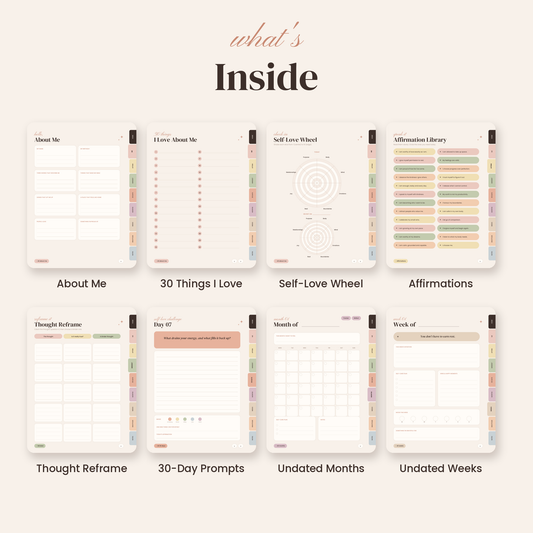


Digital notebooks to sell are editable, tabbed templates, usually built in Canva, PowerPoint, Google Slides, or as a PDF, that buyers use in note-taking apps like GoodNotes, Notability, Noteshelf, or Xodo. They’re one of the easiest products to add to a digital shop. They’re undated, useful in almost every niche, and simple to bundle with planners and journals.
🎥 Prefer watching instead of reading?
Watch the full step-by-step explainer video below.
When a notebook comes with PLR (Private Label Rights), you can generally customize it, rebrand it, and sell the finished version under your own shop name. What you’re actually allowed to do depends on the licence, so that’s always the first thing to check.
This guide covers what a tabbed notebook is, what PLR does and doesn’t allow, and which pages a sellable notebook needs. If you want a head start, browse the Plan & Prosper collection for ready-to-rebrand planners and notebooks you can add to your shop today.
What Is a Tabbed Digital Notebook?
A tabbed digital notebook is a multi-page hyperlinked PDF or template with clickable section tabs along the edge. Instead of scrolling through dozens of pages, users tap a tab and jump straight to the section they need. Popular tabs include Notes, Projects, Goals, Meetings, Ideas, Reading, Budget, and Templates.
Most digital notebooks come in one of four formats:
-
Hyperlinked PDFs for GoodNotes, Notability, Noteshelf, and other annotation apps
-
Canva templates that you customize and export as a PDF
-
PowerPoint or Google Slides notebooks exported to PDF
-
Printable notebooks that customers print and bind or keep in a binder
If you’re not sure which app to design for, our GoodNotes vs Notability comparison explains which one your notebook should support.
Buyer demand is easy to spot. Etsy’s digital product search results are full of “Digital Notebook with Tabs” listings marketed for GoodNotes, digital journals, student notes, and everyday note taking.
What PLR Rights Allow (and What They Don’t)
PLR means you can edit the template, add your branding, and sell the finished product under your own shop name. It doesn’t give you the copyright to the original template. As P4PLR explains, the creator keeps the copyright and sets the licence rules, so every PLR product can have slightly different terms.
|
Licence |
What you can usually do |
What it usually doesn’t allow |
|
PLR |
Edit, rebrand, and sell the finished notebook to end users |
Passing PLR or MRR rights to buyers, or sharing the editable source file |
|
MRR |
Sell the product as-is, and often pass resale rights on to buyers |
Editing it and claiming it as your own brand |
|
Personal use |
Use the template yourself |
Selling it or using it commercially |
PLR is also non-exclusive. PLR.me notes that other buyers can license the same base template, so substantial customization is what makes your notebook stand out.
Most PLR licences also stop you from selling or giving away the editable Canva link, reselling the editable version, or passing PLR or MRR rights on to your customers. MRR products work differently. Our 2027 Goal Setting & Productivity Planner, for example, is a hyperlinked GoodNotes and Notability planner sold with Master Resell Rights, so you resell it as-is instead of editing it.
What a Sellable Tabbed Notebook Should Include
A notebook that sells is more than a stack of blank pages. Build it around one buyer and one purpose so it’s easy to use from the first tap.
Core pages:
-
Cover page and a “This notebook belongs to” page
-
Hyperlinked index or dashboard
-
6 to 12 clickable section tabs
-
Lined, dotted, grid, and blank note pages
-
Section dividers
-
A “How to use this notebook” page
-
Import instructions for GoodNotes, Notability, Noteshelf, or Xodo
Useful add-ons:
-
Goal-setting and project-planning pages
-
Meeting notes and action-item templates
-
Reading, habit, mood, budget, or content trackers
-
Brainstorming, mind-map, and weekly-review pages
-
Matching digital stickers or page inserts
-
A bonus mini-guide, checklist, or prompt pack
Journal pages make a strong add-on, especially for wellness buyers. Pairing a notebook with something like The Self-Love Journal gives buyers a matching set of digital journals and notebooks in one bundle.
Example tab sets:
-
Student: Semester Overview, Classes, Assignments, Exams, Notes, Projects, and Resources
-
Business owner: Clients, Content, Finance, Projects, Meetings, Ideas, and Admin
The same tab-and-hyperlink setup is what makes a GoodNotes planner sell. See our guide to GoodNotes planners that sell for how hyperlinked PDFs are structured. For dated pages to sell alongside your notebooks, our 2027 digital planner PLR guide covers the new year selling season.

How to Turn a PLR Template into a Ready-to-Sell Notebook in 7 Steps
A PLR template gives you the structure. These seven steps turn it into a finished notebook your buyers will trust.
-
Choose a niche. Pick one clear buyer, such as college students, teachers, freelancers, content creators, ADHD adults, or small business owners. A notebook built for one person sells better than a notebook for everyone.
-
Plan the tab structure. Settle on 6 to 10 sections, and make sure each tab solves a real organizing problem for that buyer.
-
Redesign in Canva or PowerPoint. Set up page masters, consistent fonts, brand colours, and a navigation dashboard so every page looks like part of one product.
-
Add or fix the hyperlinks. Link each tab to its section divider and put a “home” button on every page. Editing a template can break existing links, so check them as you go.
-
Export a flattened PDF and test it. Open the file in GoodNotes or another annotation app and tap every link before you sell. Broken navigation is one of the fastest ways to get a refund request.
-
Create listing assets. Use your own mockups and screenshots, and say clearly what’s included: page count, tabs, compatible apps, and file type.
-
Deliver cleanly. Put the PDF, a short setup guide, and any bonus files in one organized download.
Canva-based PLR usually arrives as a PDF containing the template link, instructions, and a commercial-use licence. You customize the template, then export the final PDF your customers receive. This Payhip PLR digital planner is a good real-world example of a hyperlinked, Canva-editable product and the licence limits that come with it.
To see how finished hyperlinked products look on a tablet, browse our roundup of the best digital planners for iPad and GoodNotes users.
How to Make Your Notebook Original
Because PLR is non-exclusive, changing the cover and reselling the file isn’t enough. Make changes that create a genuinely different product:
-
Redesign properly: Change the layout, page count, tab names, colour palette, typography, and navigation design.
-
Add original content: Include your own prompts, checklists, instructions, and niche-specific pages. Our list of digital products you can create using ChatGPT or AI tools has ideas for bonus inserts.
-
Replace generic stock imagery: Use your own graphics or properly licensed assets.
-
Bundle complementary products: Add a matching planner from The Planner Collection, a sticker pack, or a mini-course.
-
Position it around one outcome: For example, “The ADHD-friendly project notebook,” “The nursing-school clinical notebook,” or “The content creator’s idea vault.”
Sellers say the same thing. This Etsy PLR resell bundle listing states that significant editing is required before resale.
Where to Sell Your Digital Notebooks
You can sell finished tabbed notebooks in several places:
-
Etsy: Strong discovery for digital planners, digital journals, and GoodNotes templates.
-
Your own Shopify, Payhip, Gumroad, or Stan Store: More control over branding, bundles, and customer emails.
-
Creative Market or other template marketplaces: Only where the marketplace allows commercial template sales.
-
A membership or course portal: Offer the notebook as a bonus or included resource.
If you sell on Etsy, read the rules first. The Etsy Seller Policy says listings must be made, designed, handpicked, or sourced by the seller, and the Etsy Reselling Policy explains what counts as reselling. A PLR notebook is only appropriate there once you’ve turned it into your own finished product. Etsy also requires you to disclose items created with AI.
For more platform ideas, see our guide to selling digital products, as well as Sellfy’s overview of digital products and Printful’s list of digital products to sell.
Pricing and Bundling Ideas
Start with one niche notebook at an accessible price, then build higher-value bundles around it.
|
Offer |
Example |
Price logic |
|
Single notebook |
“Tabbed Student Notebook for GoodNotes” |
Entry-level impulse buy |
|
Notebook + stickers |
Notebook, 30 digital stickers, and cover options |
Higher perceived value |
|
Niche bundle |
Student notebook, assignment tracker, and exam planner |
Better average order value |
|
Shop bundle |
Several branded notebooks in one theme |
Appeals to repeat buyers |
Themed collections such as the Money Mindset Collection or the New Year, New Me Collection show how matching products can be sold as one bundle. For more bundle ideas, see our mega guide to 100 digital products you can sell online.
Don’t promise passive income or guaranteed earnings. Focus your listing on page count, tab structure, compatible apps, file type, and the buyer’s personal-use licence.
Legal and Quality Checks Before You List
Before you buy or list any PLR notebook, run through this checklist:
-
Read the actual licence file, not just the sales-page headline.
-
Confirm whether you can sell the finished PDF, bundle it, use it as a lead magnet, or sell printed copies.
-
Check whether you’re allowed to pass PLR or MRR rights on to your buyers.
-
Make sure every font, graphic, and Canva element in your final design is licensed for commercial resale.
-
Keep proof of your licence, your purchase, and your customization work.
-
Don’t claim copyright in the underlying template. Your rights come from the licence, and the original creator keeps the copyright.
Bottom Line
Tabbed digital notebooks are a practical PLR product. They’re easy to customize, work across almost every niche, and sell well as a polished PDF once you add original branding, navigation, and niche-specific pages. Treat PLR as a starting asset, not a finished product, and follow both the licence and the marketplace rules. For more product ideas, explore our planners guide.
Ready to start? Add tabbed digital notebooks to your shop today with ready-to-rebrand templates from the Plan & Prosper collection.
FAQs
Can I sell PLR digital notebooks as my own?
Yes, as long as the licence allows it. PLR generally lets you edit, rebrand, and sell the finished notebook under your shop name. You don’t own the copyright to the original template, though, so always read the licence file first.
What’s the difference between PLR and MRR digital notebooks?
PLR lets you edit and rebrand the notebook and sell it as your own product. MRR usually lets you sell the product as-is and often pass resale rights on to your buyers, but you can’t usually change it and claim it as your brand.
Do digital notebooks work in GoodNotes and Notability?
Yes. Most tabbed notebooks are hyperlinked PDFs that work in GoodNotes, Notability, Noteshelf, Xodo, and other PDF annotation apps. Test every link in each app you list as compatible.
Can I sell PLR digital notebooks on Etsy?
Only after you’ve turned the template into your own finished product. Etsy requires listings to be made, designed, handpicked, or sourced by the seller, and it doesn’t allow reselling an unchanged product.
Can I resell the editable Canva notebook template?
Usually not. Most PLR licences let you sell the finished PDF but don’t let you sell or share the editable Canva link or pass PLR rights on to your customers.
Sources
🎬 Want a visual walkthrough?
If you’d rather watch than read, here’s the full explainer video covering everything in this guide: