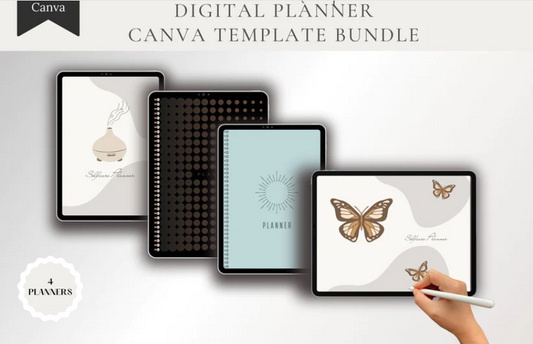
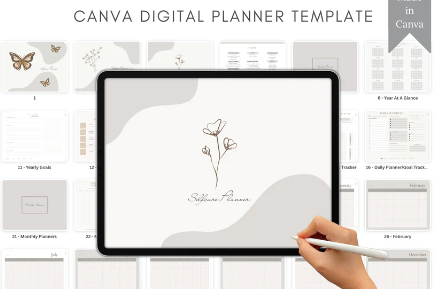

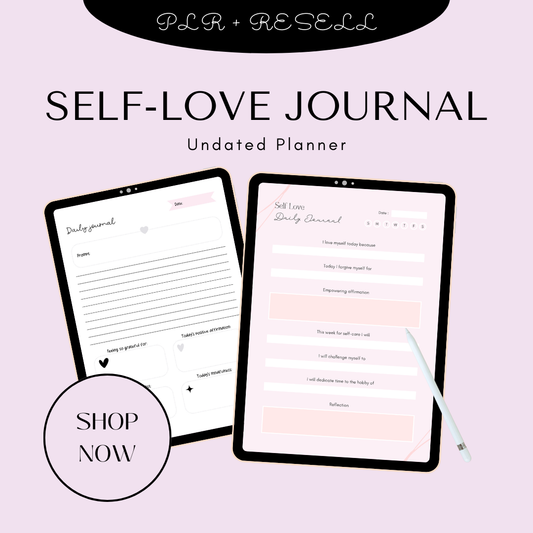

You’ve designed a beautiful planner, priced it right and listed it. Then the first message comes in: “Does this work in Notability?” or “Is this a GoodNotes planner?” Before anyone buys, they want to know it will open and work in the app they already use. If you sell digital products like planners, the app your planner supports is part of the product itself.
🎥 Prefer watching instead of reading?
Watch the full step-by-step explainer video below.
In this guide, we compare GoodNotes vs Notability from a planner seller’s point of view. You’ll get a clear verdict, a breakdown by planner type and a practical checklist for building planners that work in both apps. That way buyers in the USA, UK and Australia can check out without hesitating.
The Short Answer
Support GoodNotes first and Notability second. GoodNotes has a notebook-style library, strong hyperlink navigation, handwriting search and flexible templates, which makes it the safer default for planners people open every day. Notability is the better primary choice when your planner is built around lectures, meetings or audio, because its recordings sync to the exact moment each note was written. Both apps import standard PDFs, so one well-built hyperlinked PDF planner can serve both audiences.
Why App Support Matters When You Sell Digital Planners
Compatibility is one of the most common reasons a planner sale stalls. When a listing doesn’t say which apps a planner works in, buyers hesitate. They message you with questions or move on to a seller who answers that question up front. Those who buy anyway may ask for refunds or leave poor reviews when the tabs don’t behave the way they expected.
The good news is that GoodNotes and Notability both import ordinary PDF planners. The difference is the experience once the file is open, from how tabs navigate to how pages are organized. That’s why app compatibility belongs in your launch plan, especially if you’re following our Q4 planner season playbook for selling digital planners before January. For more on what makes planners sell, browse our digital planner guides.
GoodNotes vs Notability at a Glance
Both are leading handwriting apps and PDF annotation apps, but they’re built around different ideas of what a note is. Here’s how they compare for digital planners:
|
Feature |
GoodNotes |
Notability |
|
Core structure |
Notebooks, Whiteboards and Text Documents |
One note-centered format, with Multi-Note for side-by-side work |
|
Digital planner fit |
Excellent for notebooks, templates, visual planning and long-term organization |
Works well, especially for planners paired with audio or lecture notes |
|
PDF planners |
Strong PDF annotation, searchable annotations, signatures, outlines and export |
Imports and annotates PDFs, with Smart Highlighter, page management, bookmarks and export |
|
Audio |
Records audio and syncs notes to timestamps |
Its best-known feature: tap a written item to replay that moment of audio |
|
Organization |
Nested folders, searchable outlines, bookmarks and library-wide search |
Dividers and subjects, folders up to six levels deep, handwriting search and bookmarks |
|
Collaboration |
Live cursors, comments, link sharing and permissions |
Live collaboration, presence indicators, permissions and Shared Libraries |
|
Platforms |
iPad, iPhone, Mac, Android, Windows and web |
iPad, iPhone, Mac, Android and web (Windows through the web app) |
|
Pricing |
Free; Essential $11.99/yr; Pro $35.99/yr |
Free Starter; Lite, Plus and Pro plans (Pro $79.99/yr) |
In short, GoodNotes is built for structure and Notability is built for capture.
Why GoodNotes Wins for Most Digital Planners
Think of GoodNotes as a digital binder or planner shelf. Yearly planners, monthly layouts, weekly spreads, habit trackers and reference PDFs can all sit in one organized library, which matches how people actually use planners day to day. GoodNotes’ own comparison of GoodNotes vs Notability and Paperlike’s independent app review both give it the edge for this kind of structured planning.
PDF Import and Annotation
GoodNotes treats PDFs as core documents rather than attachments. Buyers can mark up, search, sign, organize and export their planner pages easily, which matters for a file they’ll open every day.
Hyperlink Navigation for Tabbed Planners
Tabs and links that jump between months, weeks and daily pages are what make a digital planner feel premium. GoodNotes is widely seen as the stronger fit for structured, hyperlinked planners. That’s why the best GoodNotes planners that sell are built around clickable navigation.
Templates, Stickers and Visual Planning
Customizable page templates, covers and stickers give buyers a planner-like experience, and an infinite Whiteboard adds space for brainstorming and mind maps.
Handwriting Search
Users can find a handwritten appointment, goal or to-do list without remembering which page it’s on.
Organization That Lasts All Year
Nested folders, favorites, bookmarks and searchable outlines keep a planner usable for months, even years. A bundle like The Planner Collection depends on exactly that: buyers who keep opening their planners long after they buy.

Where a Notability Planner Is the Better Choice
Notability shines when a planner is tied to what was said, not just what was written. Its signature feature, Note Replay, links audio recordings to the notes, sketches and images you create while recording. Tap a word you wrote and Notability plays back that exact moment of the lecture or meeting.
That makes a Notability planner especially useful for:
-
Students who pair their planner with lectures, slides, readings and revision
-
Professionals with lots of meetings who want notes, transcripts, summaries and action items in one place, using Notability’s meeting features
-
Coaches, consultants and therapists who need to connect written notes to the conversation behind them
Beyond audio, Notability’s AI tools add live transcription, AI summaries, quizzes, flashcards and chat with your notes. Together they turn a planner into a system for studying and reviewing meetings.
Notability also wins on simplicity. Its note-centered interface and Multi-Note view, which puts two notes side by side, suit people who want to capture ideas quickly rather than maintain a detailed planner library. If your buyers are founders and freelancers juggling client calls, a planner like Your Start-Up Business Planner Workbook fits naturally with Notability’s recording and note-taking workflow.
Pricing: What It Means for Your Buyers
Price shapes which app your buyers already own, and that affects which format you should put first.
GoodNotes offers a free plan, Essential at $11.99 a year and Pro at $35.99 a year. Notability has a free Starter plan plus Lite, Plus and Pro tiers, and Notability Pro costs $79.99 a year, more than double GoodNotes Pro. However, Notability’s Lite and Plus plans give buyers a cheaper way in, and Notability also sells one-time purchase options for people who’d rather avoid subscriptions.
What this means for sellers: budget-conscious buyers who want a full-featured planner app often end up on GoodNotes. Students and professionals may pay more for Notability’s audio and AI tools. Many planner buyers are side hustlers working toward financial freedom through side hustles, so showing clear value in your listing matters.
Which App to Support, by Planner Type
Use this table to decide which app to name first in your listings:
|
Planner type |
Recommended primary app |
Why |
|
Annual, monthly and weekly planner |
GoodNotes |
Notebook organization, templates, PDF navigation and handwriting search suit recurring planning |
|
Hyperlinked digital planner |
GoodNotes |
Best fit for structured navigation and a library-style planner experience |
|
Student academic planner |
Notability, or GoodNotes with Notability as an option |
Audio-note sync, transcription, quizzes and flashcards are valuable for lectures |
|
Business or meeting planner |
Notability |
Recording, live transcription, Smart Notes and action items support meeting follow-up |
|
Creative journal or habit tracker |
GoodNotes |
Whiteboards, stickers, covers and templates suit creative planning |
|
Simple planner for occasional use |
Either |
Both import PDF planners and offer the core handwriting and annotation tools |
Goal-setting and finance planners, like the Money Mindset Collection and the planners in our Plan & Prosper collection, fit best in GoodNotes, because buyers come back to them week after week. If you’re selling to students, our guide to digital planners for students with ADHD covers what that audience looks for.
How to Make Your Planner Work in Both Apps
Use this checklist before you launch any planner, journal or workbook:
-
Lead with GoodNotes, then add Notability. Make GoodNotes your primary supported format and label Notability compatibility as a secondary option, especially for hyperlinked PDF planners.
-
Don’t promise identical features. Hyperlinks, page navigation, export and audio can behave differently in each app, so describe what buyers can expect honestly.
-
Test the actual file on an iPad. Open your planner in both apps before launch, especially if it has lots of tabs, embedded links, layered graphics or a large file size. This applies to guided journals and workbooks too, like The Self-Love Workbook and The Hydration Handbook skincare planner.
-
Include a “How to Import” guide. Add a short one-page guide for each app so buyers can get started in minutes.
-
Write clear listing copy. Use wording like “Works in GoodNotes, Notability & any PDF annotation app.” Our Words That Sell collection can help you write product descriptions that convert.
If you’re new to this, read is it easy to create digital products as a beginner? and explore the apps we recommend on our Tools & Resources page.
The Verdict: Which App Should Your Digital Planner Support?
For most digital planners, GoodNotes is the better default. Its notebook-style library, strong PDF annotation, handwriting search and visual planning tools make it ideal for hyperlinked planners people open every day. Notability is the better choice when a planner works alongside recorded lectures or meetings, because its audio syncs to the exact moment each note was written.
Support GoodNotes first and Notability second, unless your planner is built for students or meetings. If you’re building a planner brand, the Ultimate Branding Course with Master Resell Rights shows you how to stand out.
Our planners work in both apps. See the collection → You can also start fresh with the New Year New Me Collection or the 30 Days to a Better You ebook.
Frequently Asked Questions
Can I use the same digital planner in GoodNotes and Notability?
Yes. If your planner is a standard PDF, it can be imported into both apps.
Do hyperlinks work in a Notability planner?
Yes, Notability supports PDF hyperlinks. Tab navigation can feel different from GoodNotes, though, so always test your file.
Is GoodNotes or Notability cheaper?
Entry-level plans are similarly priced, but GoodNotes Pro costs much less per year than Notability Pro.
What’s the best PDF annotation app for digital planners?
For most planners, it’s GoodNotes. For audio-based planning, Notability is the better choice.
Sources
-
GoodNotes vs Notability: Which is right for your workflow? (GoodNotes)
-
The best Notability alternatives in 2026 (GoodNotes)
-
Notability pricing (Notability)
-
Notability features (Notability)
-
Notability for meetings (Notability)
-
How to get started with Notability (Notability)
-
Goodnotes vs. Notability: App Review (Paperlike)
-
Goodnotes vs Notability (Templacity)
-
Comparing Notability, GoodNotes and Nebo (Branden Bodendorfer)
🎬 Want a visual walkthrough?
If you’d rather watch than read, here’s the full explainer video covering everything in this guide: