Instagram Planner – Plan, Post, Grow!
The Ultimate Social Media Growth Blueprint
Struggling to stay consistent on Instagram? The Instagram Planner is your all-in-one solution to plan, create, and grow your account effortlessly.
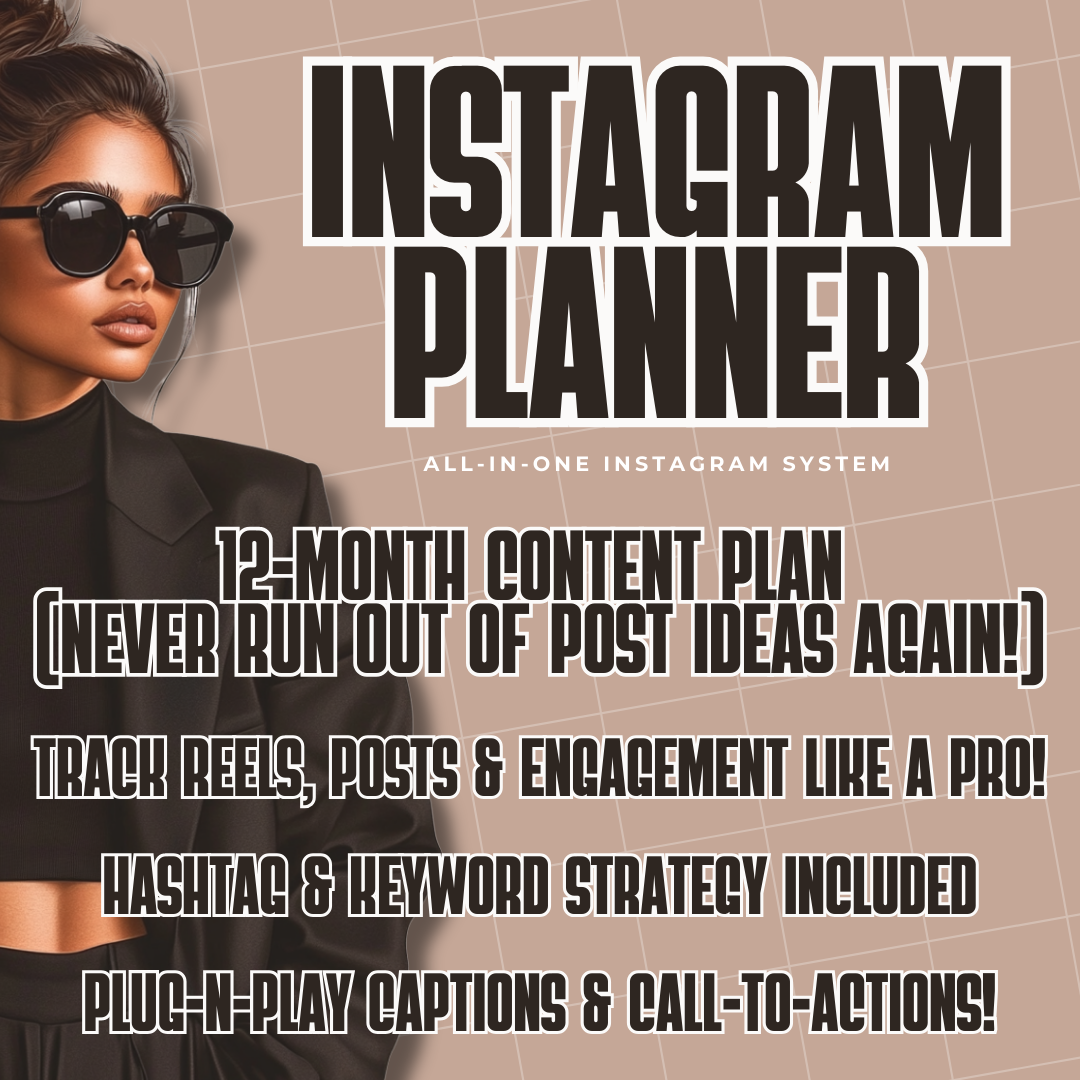
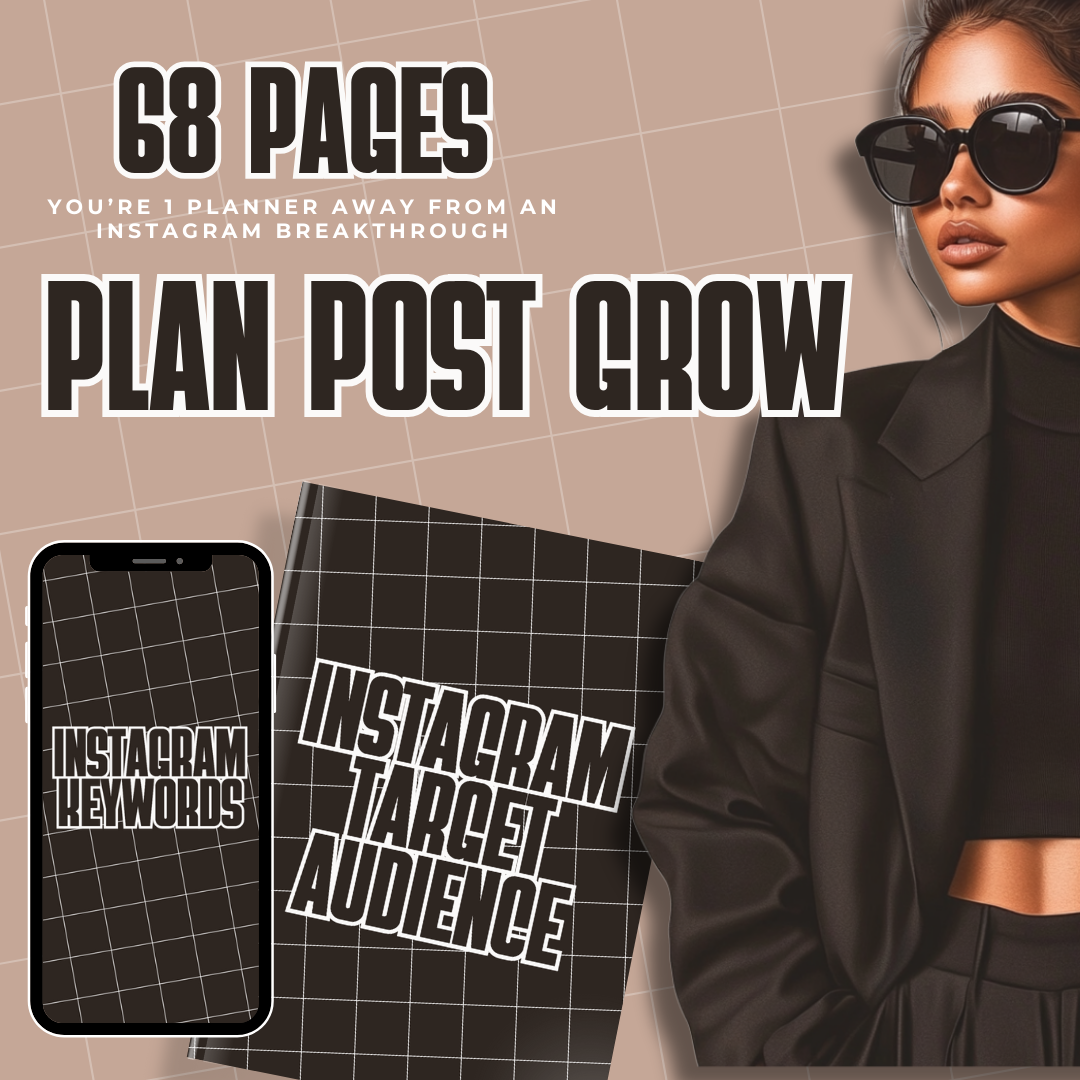
Whether you're a content creator, entrepreneur, or business owner, this 68-page planner gives you a 12-month content strategy, hashtag & keyword tactics, and plug-and-play captions—so you’ll never run out of post ideas again!
✨ What’s Inside?
✅ 12-Month Content Plan – Stay consistent and never wonder what to post.
✅ Hashtag & Keyword Strategy – Boost your reach and get discovered faster.
✅ Plug-n-Play Captions & CTAs – Save time with ready-to-use, high-converting post ideas.
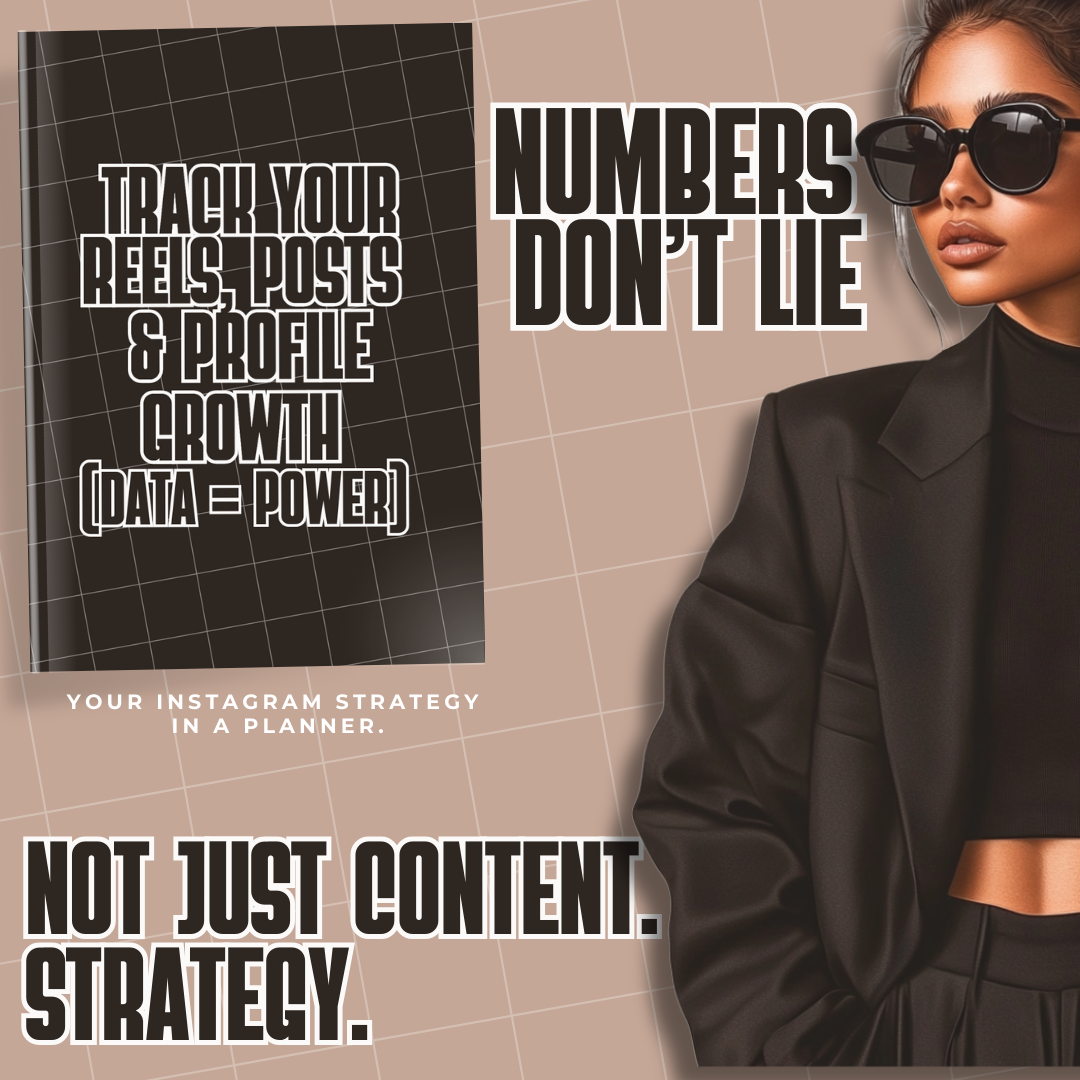
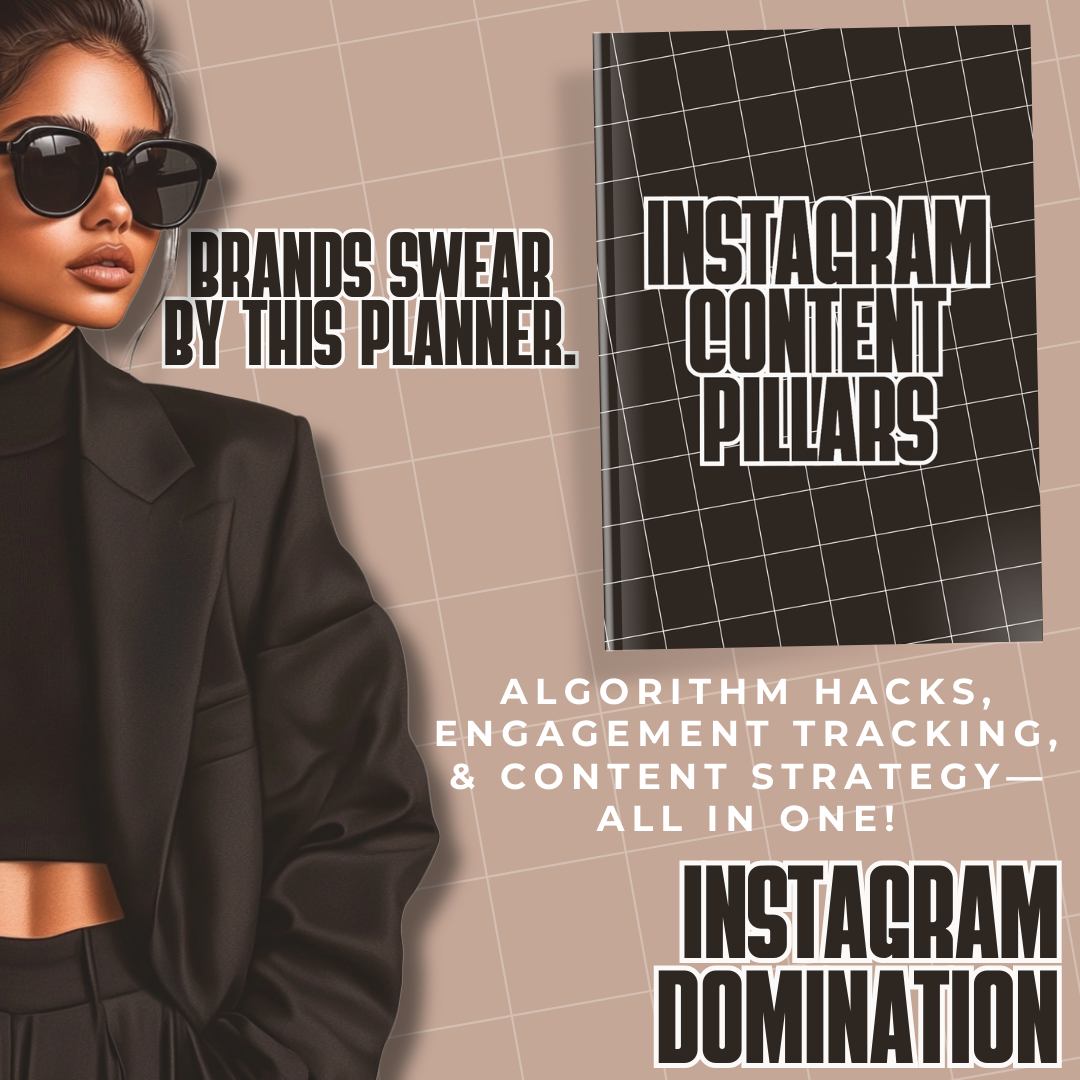
✅ Algorithm Hacks & Engagement Tracking – Understand Instagram’s algorithm and optimize your content.
✅ Mockups for Easy Visualization – Plan and preview your content effortlessly.
🎯 Why You Need This Planner
✔ Eliminate Content Overwhelm – Get a full year’s worth of post ideas in minutes.
✔ Increase Engagement & Followers – Use proven strategies to grow your audience.
✔ Streamline Your Content Strategy – Organize posts, track engagement, and stay ahead of trends.
Ready to master Instagram and grow your brand? Get your Instagram Planner today and start posting like a pro!
How to Use This Planner
This planner is designed to be flexible, so you can use it digitally or as a printable planner depending on your preference.
Digital Use (Recommended for Tablets):
You can use this planner with any PDF annotation or digital planning app. Simply download the PDF and import it into your preferred app to write directly on the pages.
Popular apps for digital planning include:
These apps allow you to write, type, highlight, and plan directly on the pages using a stylus, Apple Pencil, S Pen, or your finger.
How to Use Digitally
-
Download the planner PDF after purchase.
-
Open your digital planning or note-taking app.
-
Import the PDF planner into the app.
-
Start writing and planning directly on the pages.
Using Canva:
You can also upload the planner to Canva if you prefer to edit the pages visually, customize layouts, or add text elements. However, planners exported from Canva may not be fillable like traditional interactive PDFs.
Printable Option:
If you prefer a physical planner, simply print the pages at home or at a print shop and place them in a binder or folder.
This product is designed to give you the freedom to plan in the way that works best for you.