Branding Planner – Design Your Brand Like a Pro!
Create a Stunning, Cohesive Brand Identity with Ease
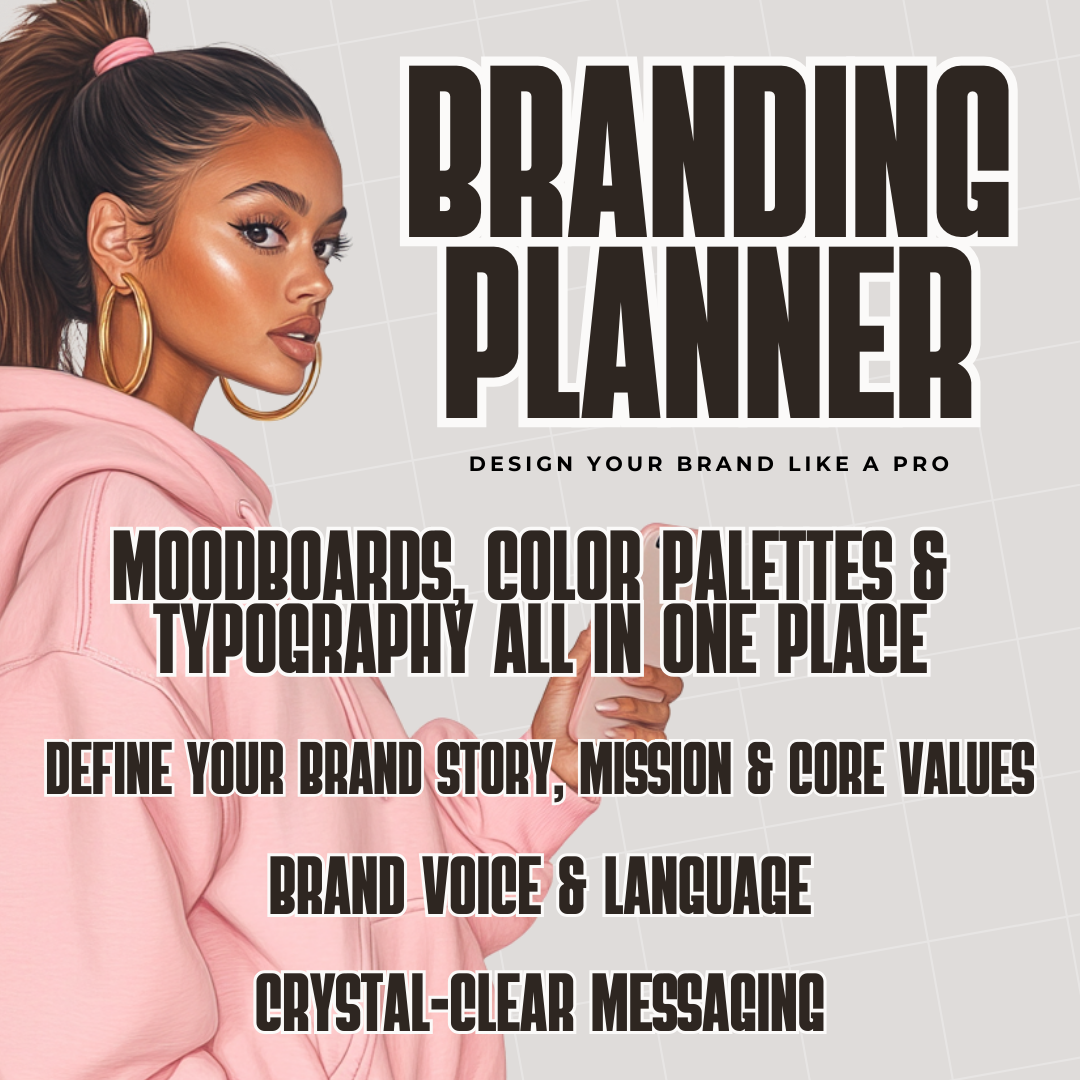
Building a strong, professional brand doesn’t have to be overwhelming. The Branding Planner is your all-in-one toolkit to craft a visually appealing and strategically positioned brand.
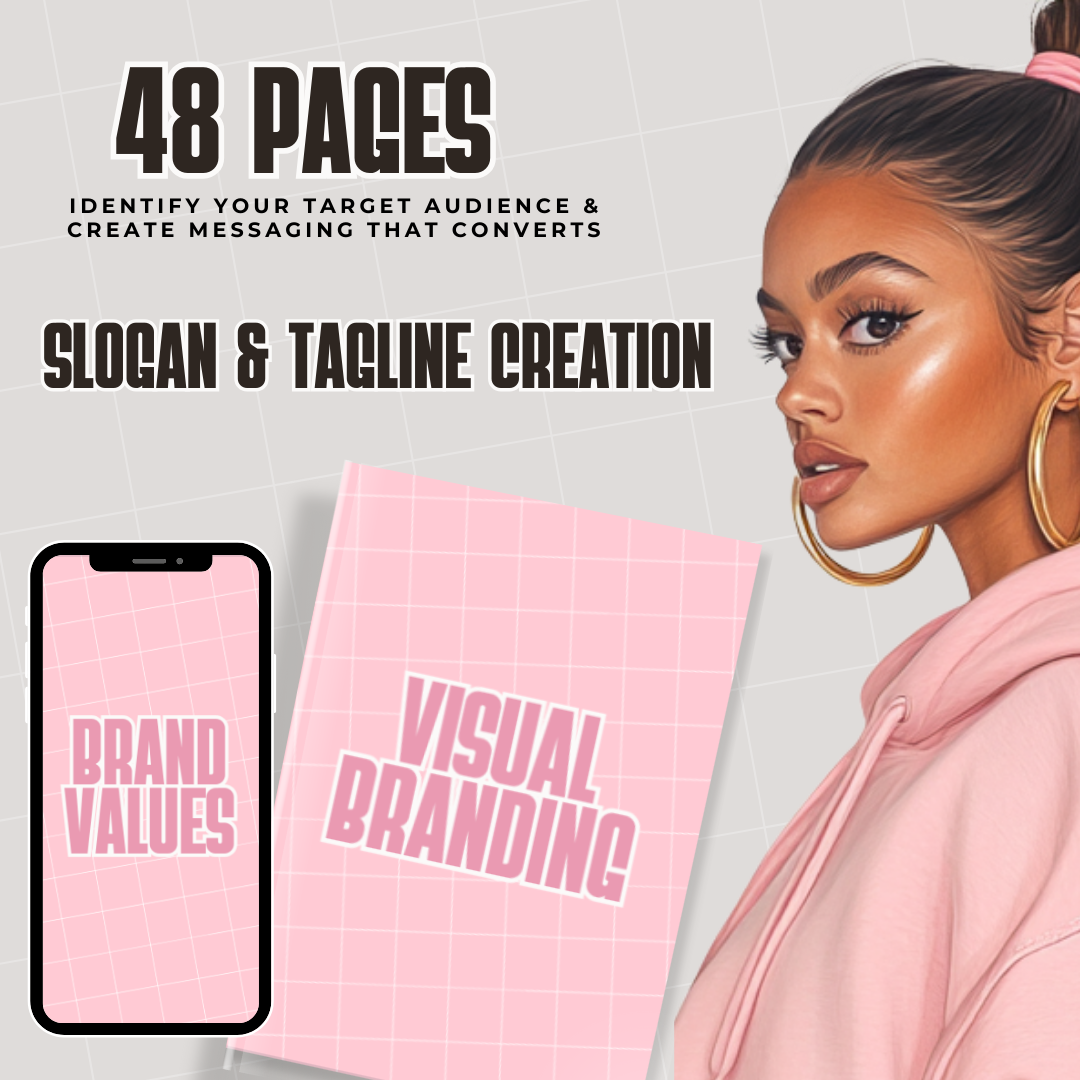
With 48 pages of expert guidance, this planner walks you through every step—from choosing your moodboards and color palettes to defining your typography and brand voice.
✨ What’s Inside?
✅ Moodboards, Color Palettes & Typography – Organize your brand visuals effortlessly.
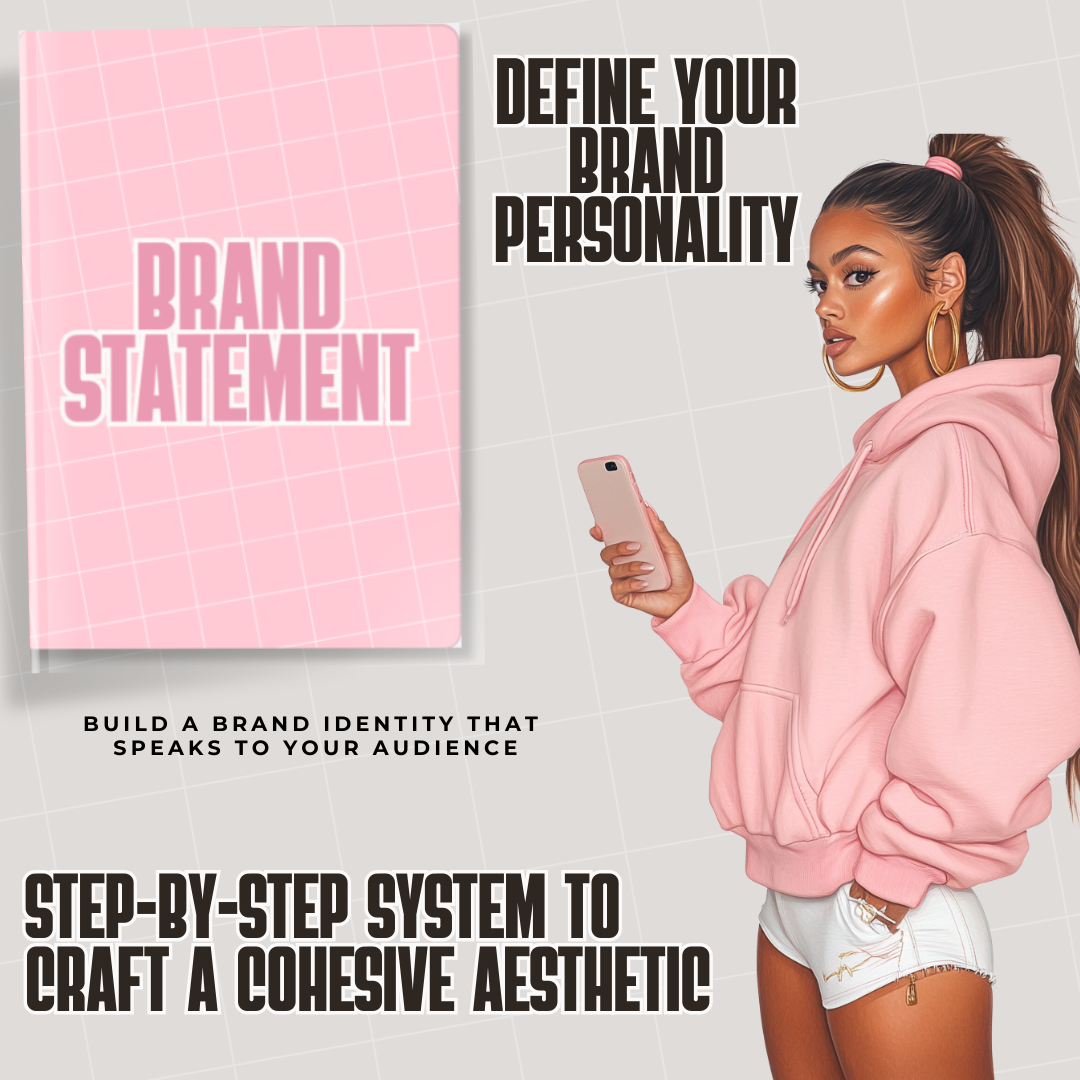
✅ Step-by-Step Branding System – A clear roadmap to designing a cohesive identity.
✅ Mockups for Easy Visualization – See your brand come to life before launching.
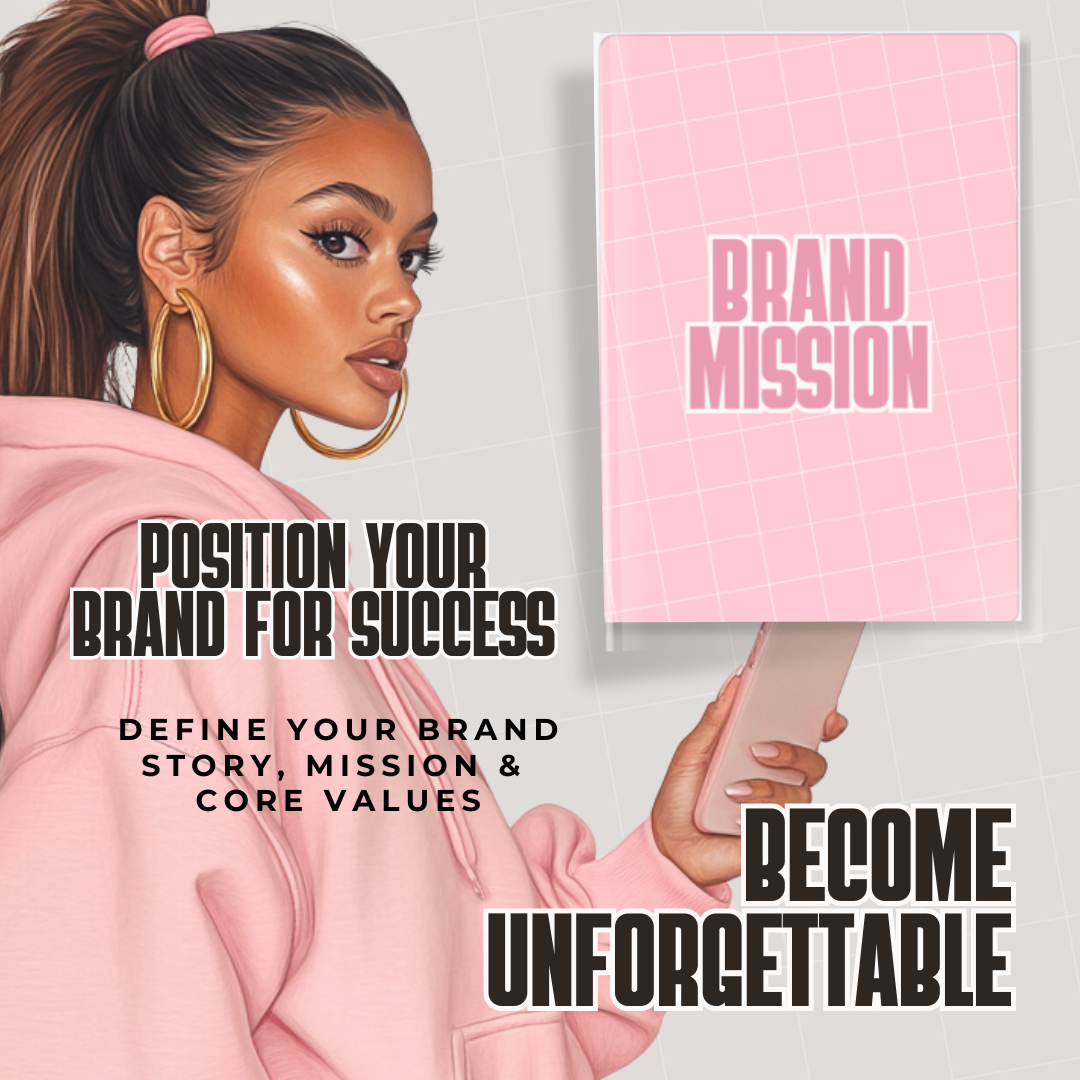
✅ Strategic Brand Positioning – Attract the right audience with a polished brand aesthetic.
🎯 Why You Need This Planner
✔ Save Time & Stay Organized – Keep all your branding elements in one place.
✔ Create a Professional Look – Eliminate the guesswork and build a standout brand.
✔ Bring Your Vision to Life – Use mockups to visualize your brand before making it public.
Ready to build a brand that turns heads? Grab your Branding Planner today and start designing like a pro!
How to Use This Planner
This planner is designed to be flexible, so you can use it digitally or as a printable planner depending on your preference.
Digital Use (Recommended for Tablets):
You can use this planner with any PDF annotation or digital planning app. Simply download the PDF and import it into your preferred app to write directly on the pages.
Popular apps for digital planning include:
These apps allow you to write, type, highlight, and plan directly on the pages using a stylus, Apple Pencil, S Pen, or your finger.
How to Use Digitally
-
Download the planner PDF after purchase.
-
Open your digital planning or note-taking app.
-
Import the PDF planner into the app.
-
Start writing and planning directly on the pages.
Using Canva:
You can also upload the planner to Canva if you prefer to edit the pages visually, customize layouts, or add text elements. However, planners exported from Canva may not be fillable like traditional interactive PDFs.
Printable Option:
If you prefer a physical planner, simply print the pages at home or at a print shop and place them in a binder or folder.
This product is designed to give you the freedom to plan in the way that works best for you.