



Selling Digital Products on Shopify: Apps, Fees & Tips
Yes, selling digital products on Shopify is very doable, whether you're based in the US, Australia, or selling globally. You simply list the item as a non-physical product, use a delivery app to hand off the download or access link, and pay Shopify's standard store and payment fees. There's no extra fee just for selling digital goods, and most items are delivered to the customer instantly after checkout. If you're looking for a low-cost way to start an online income stream, digital products remain one of the most accessible paths to financial freedom through side hustles.
🎥 Prefer watching instead of reading?
Watch the full step-by-step explainer video below.
What Counts as a Digital Product
A digital product is any downloadable or access-based item you sell without shipping a physical box. That covers ebooks, PDFs, music files, video content, digital art, templates, and online services delivered through login access. Shopify merchants in both the US and Australia commonly sell digital downloads such as printable planners, worksheets, and creative files, since these carry no manufacturing or postage cost.
Popular categories include:
-
Ebooks and guides — written content sold as instant downloads
-
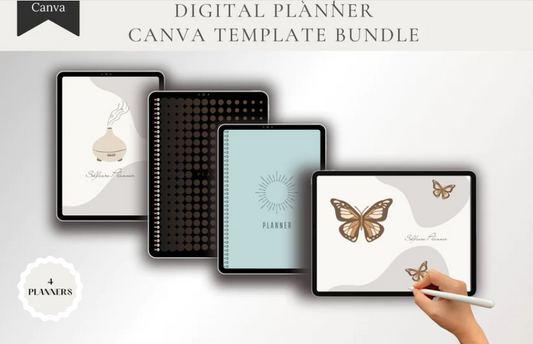
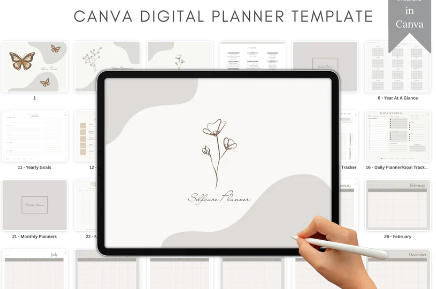
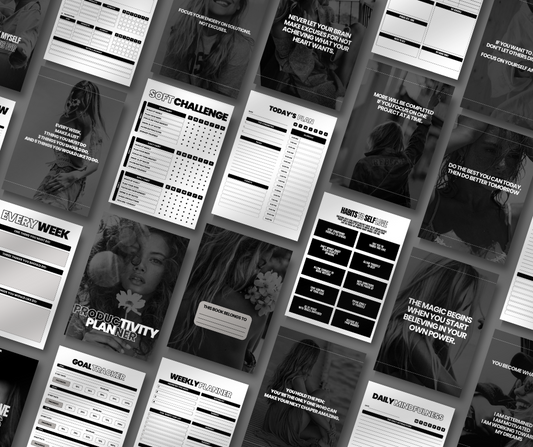
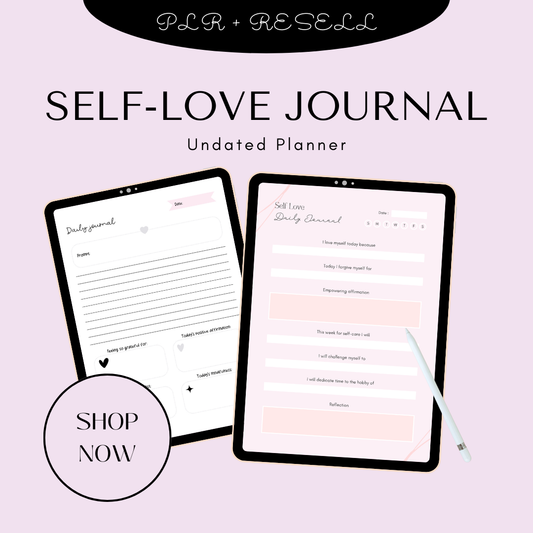
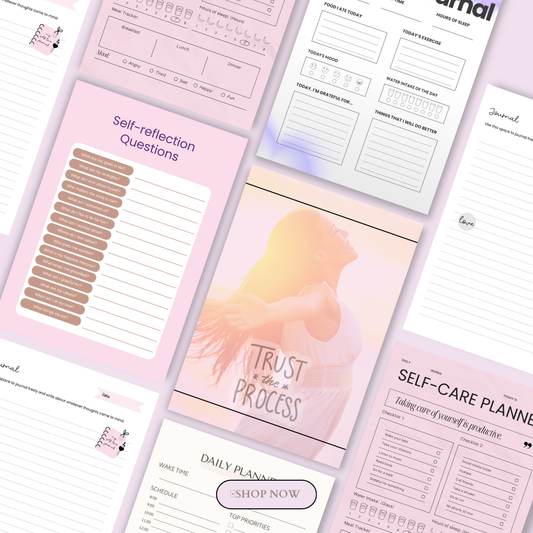
Planners and printables — a fast-growing niche, with planners and specifically the productivity planner format performing especially well with US and AU audiences
-
Templates and design assets — Canva templates, social media kits, and content bundles
-
Courses and masterclasses — structured learning content sold as one-time purchases or subscriptions, similar to what you'll find in a collection of masterclasses
-
AI-driven digital goods — a newer category gaining traction, including curated AI prompt packs
Shopify also confirms that NFTs can be listed and sold as digital products directly through the platform, which opens the door for creators experimenting with blockchain-based assets. If you're still deciding what to sell, it's worth browsing a broader list of digital products to sell before settling on a niche, and reviewing general guidance on digital products as a business model.
How Selling Digital Products Works on Shopify
Setting up digital product sales on Shopify follows a simple four-step process, and it works the same way whether your customers are checking out in US dollars or Australian dollars.
Step 1: Create the product listing.
Add your product to Shopify as you normally would — title, description, images, and price. Strong, benefit-driven product copy matters here; using proven, high-converting language (the kind found in a words that sell style collection) can meaningfully lift conversion rates for digital goods.
Step 2: Turn off the physical product setting.
In the product's shipping section, disable "This is a physical product." This removes shipping fields and shipping charges from checkout, which is essential since digital items don't need to be shipped and shouldn't display shipping costs to the customer.
Step 3: Install a delivery app.
Shopify requires a third-party or native app to actually deliver the file, access link, or login credentials after purchase. This is the step that automates fulfillment so you're not manually emailing files to every customer.
Step 4: Place a test order.
Before going live, run a test purchase to confirm the customer receives the correct file, link, or access instructions immediately and without errors.
Once your delivery flow is confirmed, you can scale up your catalog with ready-made bundles — for example, curated collections like the Naomi bundle or a niche-specific set like the Glow Lab Co. skincare content bundle — and even open up an affiliate program to let others promote your digital products for a commission.
Best Apps for Delivering Digital Products
Choosing the right delivery app is the single biggest factor in whether your digital product business runs smoothly or turns into a support-ticket nightmare. Shopify gives you a few solid paths depending on what you're selling and how much control you want over the buying experience.
Shopify's native Digital Downloads app is the easiest starting point for most sellers. It's free, quick to install, and handles the basics well — it's built for files like videos, songs, ebooks, and graphics, and it automatically attaches the download link to the order confirmation email. If you're just getting started and want a no-cost way to test the waters, this is where most stores begin.
As your catalog grows, third-party apps become worth the investment. These typically add features the native app doesn't offer: automated delivery emails, download limits so files can't be shared indefinitely, license-key generation for software or courses, PDF stamping to protect templates and printables, and file-protection tools that guard against unauthorized redistribution. If you sell higher-value digital goods — think comprehensive bundles rather than single files — these protections matter a lot more.
For sellers whose "product" isn't a file at all but a service or time slot, a booking app is the better fit. These let customers reserve appointments, consultations, or event spots directly from your store, which works well for coaches, consultants, or anyone selling digital services alongside downloadable goods.
To see what a well-built digital catalog actually looks like once it's live, it's worth browsing a store that sells nothing but digital products. ResellReady is a good example — the entire storefront is built around instantly downloadable bundles, so you can see delivery, packaging, and product presentation done end to end. Their organic growth marketing bundle shows how a multi-file product package can be structured, while something like the Midjourney mastery guide collection demonstrates how a premium, higher-ticket digital product is positioned. If you want a lighter example, their 150 AI images Midjourney prompts bundle and general Midjourney prompts listings show how smaller, more affordable digital assets are packaged and delivered.
Seasonal and themed collections are another smart way to structure a digital catalog, and you can see that approach in action with their New Year New Me collection and Black Friday collection — both built to capture demand around specific shopping moments. For sellers thinking beyond single products toward a full brand, their Creative Entrepreneurship Collection is a useful reference point.
If you want a deeper walkthrough of the entire setup process from start to finish, this full Shopify digital products setup guide covers the technical side in more detail than we can here. And if you're still deciding what to sell before you worry about apps, this mega guide to 100 digital products you can sell online in 2026 is a good place to get ideas.

Fees to Expect
One of the most common questions from new sellers is whether digital products cost more to sell than physical ones. The short answer is no — Shopify does not charge any additional fee specifically for selling digital products through your online store. You won't pay a special "digital goods tax" or a separate listing fee just because the product isn't shipped.
That said, "no extra fee" doesn't mean "no fee at all." Your overall cost structure still depends on two things: your Shopify subscription plan and your payment processing setup. Every plan tier comes with its own monthly subscription cost and its own credit card processing rate, and if you choose not to use Shopify Payments, you may also be charged a third-party transaction fee on top of your regular processing rate.
Shopify Payments is worth using if you're US, UK, or Australia-based, since it's built directly into the platform and avoids that extra third-party fee layer. Pricing varies depending on which plan you're on, but Shopify is clear that there are no hidden fees, no separate setup fees, and no additional monthly charges for Shopify Payments beyond your regular subscription and per-transaction processing costs. In other words, once you know your plan tier and your payment processor, you can calculate your real cost per sale fairly precisely — there's no surprise line item waiting to appear on your statement.
For sellers pricing out their margins, it also helps to think about fees alongside pricing strategy rather than in isolation. This guide on how to price digital products for maximum profit walks through how to factor platform and processing costs into your pricing so your margins stay healthy even after Shopify's cut.
Practical Tips for Selling Digital Products
Once your store and delivery app are set up, a handful of habits separate smooth-running digital shops from ones that generate constant customer service headaches.
Use a dedicated delivery app instead of manual fulfillment. Manually emailing files after every sale doesn't scale, and it's easy to send the wrong file, miss an order, or delay delivery past what a buyer expects. A proper delivery app automates this entirely, which is especially important once order volume picks up.
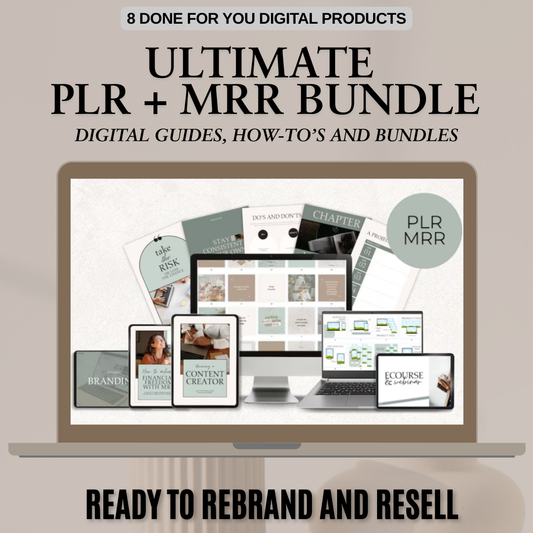
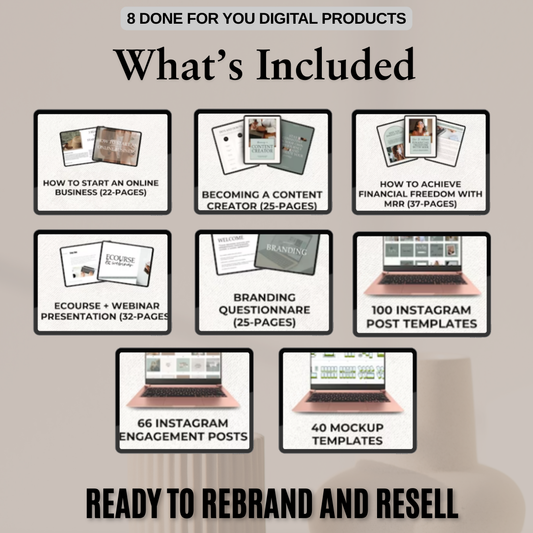
Protect your files. If your app supports it, add download limits, link expirations, or watermarks — particularly for templates, printables, and ebooks, which are the most commonly pirated digital product types. This is one of the biggest differences between a hobbyist digital shop and one built to scale sustainably, and it's a pattern you'll see across established digital sellers; for instance, browsing a PLR-focused catalog like this guide to the best PLR products to resell or this overview of PLR digital products shows how sellers structure licensing and protection around resale rights specifically.
Customize your delivery emails. Generic, default confirmation emails leave buyers uncertain about what they just purchased and when they'll receive it. Spend the extra ten minutes to write a clear delivery email that tells the customer exactly what file(s) to expect, how to access them, and who to contact if something goes wrong. This alone eliminates a large percentage of "where's my order" support requests.
Always run a test order before launching. This is the step sellers skip most often and regret most quickly. Place a real test order through your own storefront, confirm the file arrives correctly, check that the email looks right, and only then open the product to real customers.
If you're looking for niche-specific inspiration once your delivery system is dialed in, categories like digital planners for Etsy show how a tightly-focused product niche can be built out with the same delivery and protection principles covered above.
Conclusion
Selling digital products on Shopify comes down to three things: knowing what to sell, setting up reliable delivery, and understanding exactly what it costs you. On the "what to sell" side, digital goods can be almost anything downloadable or access-based — ebooks, templates, presets, courses, planners, or licensed content — and Shopify's own digital and service product documentation confirms the platform is built to handle all of these without extra configuration headaches.
On the delivery side, the process is straightforward once you've done it once: mark the product as non-physical, connect a delivery app, and test the order flow before going live. And on cost, the reassuring part is that Shopify doesn't tack on a special fee for digital goods — your expenses are simply your regular Shopify plan and payment processing rate, both of which are laid out clearly in Shopify's pricing plans overview.
If you want to see the digital-goods model in action before building your own catalog, Shopify's own blog on digital products is a good next read, and browsing an established digital app like Digitally – Digital Downloads on the Shopify App Store will give you a feel for how delivery tools are typically priced and packaged.
From here, the path forward is simple: pick a delivery app that matches your product type, list one test product, run through a full test order yourself, and then open your store to real customers. Most of the setup friction disappears after your first successful sale — the rest is just refining what you sell and how you present it.
Frequently Asked Questions
What are the best free apps to start with on a limited budget?
Shopify's built-in Digital Downloads app is free and covers the basics for most sellers just getting started — file delivery, order attachment, and simple download links. If you want more features without a big upfront investment, it's worth browsing free-tier options on the Digitally digital downloads app listing, many of which offer free plans for lower order volumes before you need to upgrade. Pairing a free app with genuinely low-cost starter products — the kind highlighted in this guide to easy digital products to sell online — is a practical way to test demand before spending anything on premium tools.
Which apps work best for selling online courses?
Course sellers generally need more than a basic download link — think drip content, login-gated access, or progress tracking. Shopify's own digital products blog covers a few app options built specifically for structured content delivery like this. If your course content includes templates or workbooks as bonuses, it also helps to look at how bundled resources are packaged elsewhere, such as in a start-up business planner workbook or a broader Plan & Prosper collection, both of which show how supplementary materials can be structured alongside a core paid product.
How do I handle VAT and tax compliance for international customers?
Tax handling depends heavily on where your business is registered and where your customers are located, so it's worth reviewing Shopify's digital and service product guidance directly, since tax rules for digital goods can differ from physical product tax rules in several countries, including VAT requirements across the UK and EU. Shopify's tax settings can automate a lot of this, but the safest approach is to confirm your specific obligations with a tax professional familiar with digital goods in your target markets.
Should I offer free digital products to build my audience first?
Yes — offering a free digital product, sometimes called a lead magnet, is one of the most effective ways to build trust and an email list before asking for a sale. This approach to using free digital products to drive paid sales explains how to structure a freebie so it naturally leads customers toward your paid catalog rather than just being a one-off download. Popular freebie formats include mini templates, sample packs, or a scaled-down version of a bigger paid bundle.
What are the easiest and most profitable digital products for beginners to sell?
Templates, planners, and content packs tend to be the easiest entry point because they require no ongoing delivery or support once created. Niche-specific ideas are especially effective — for example, this guide to digital products teachers can sell online shows how a specific audience can shape product ideas, while resources like the AI image collection, the Content Girl collection, and the Money Mindset collection demonstrate how varied a beginner-friendly digital catalog can be. If you're leaning toward done-for-you options rather than building products from scratch, browsing done-for-you digital products or a ready-made pack like the Glossed in Power viral content pack can shortcut a lot of the initial setup. It also helps to compare payment setups early — this breakdown of best payment processors for digital products and a deeper look at AI-powered planners or this complete guide to digital planners on Etsy are useful next reads once you've picked your first product to launch.
🎬 Want a visual walkthrough?
If you’d rather watch than read, here’s the full explainer video covering everything in this guide: